16
3.5.5 Battery voltage [BAT], option
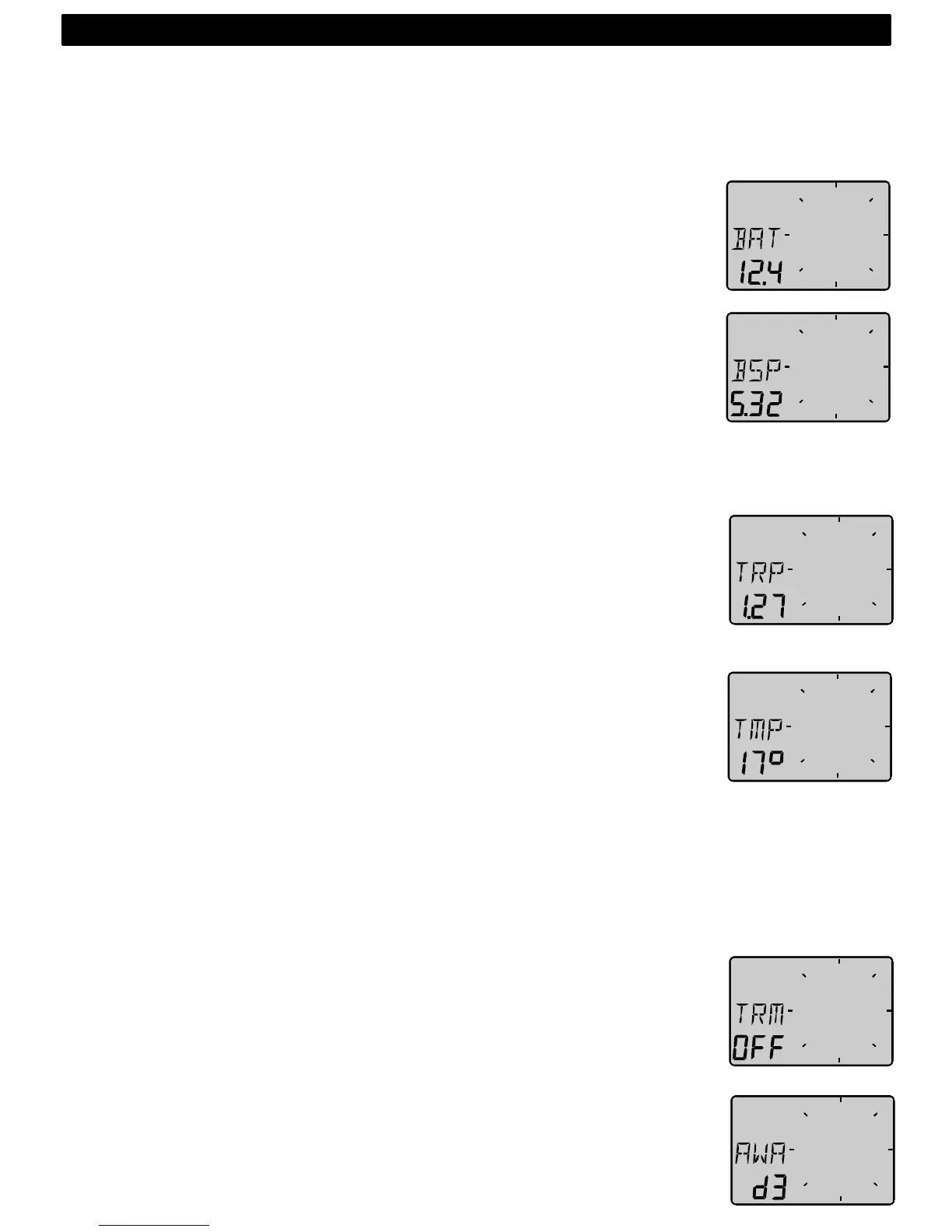
The text [BAT] will display battery voltage. The voltage is measured
inside the instrument and will not compensate for any voltage drop
caused by installation.
3.5.6 Boat speed [BSP], option
The text [BSP] will display boat speed (water speed). The text [BSP] will
toggle with selected unit, i.e. (KTS), (KMH) or (MPH).
As an option, you may add or remove displaying boat speed [BSP],
trip log [TRP] and water temperature [TMP]. See further under
calibration.
3.5.7 Trip log [TRP], option
The text [TRP] is displayed and will show trip distance from 0.00 to 99.9
nautical miles, kilometre or miles. After 99.9, 0.00 is displayed. Clear trip
by pressing UP and DOWN together.
3.5.8 Water temperature [TMP], option
The text [TMP] is displayed with water temperature in Celsius or
Fahrenheit.
This function require a Nexus or Star log transducer.
3.5.9 Trim function for optimum Wind angle or speed, option
The text [TRM] and [OFF] is displayed when this function is off. The trim
function can be used as an aid to keep the correct tacking angle or to
discover speed changes caused by sail or rig trimming. Some of the
functions can only be used when the Wind Data is connected to Nexus
Network.
As the first example we will use [TRM AWA] (TRiM Apparent Wind
Angle).
To trim on Wind angle deviation, select the text:
Press UP
and DOWN together, the display will flash. Select [AWA] with
DOWN and confirm with KEY.
4: OPERATION



 To Next Page