18
DRF Drift Log transducer + Compass +
Navigator!
WCV Speed towards a waypoint Navigator!
VMG Velocity Made Good Log transducer!
TBS Optimum speed based on polar diagram PC + NMEA 0183 through
Nexus Server!
OFF Function is OFF
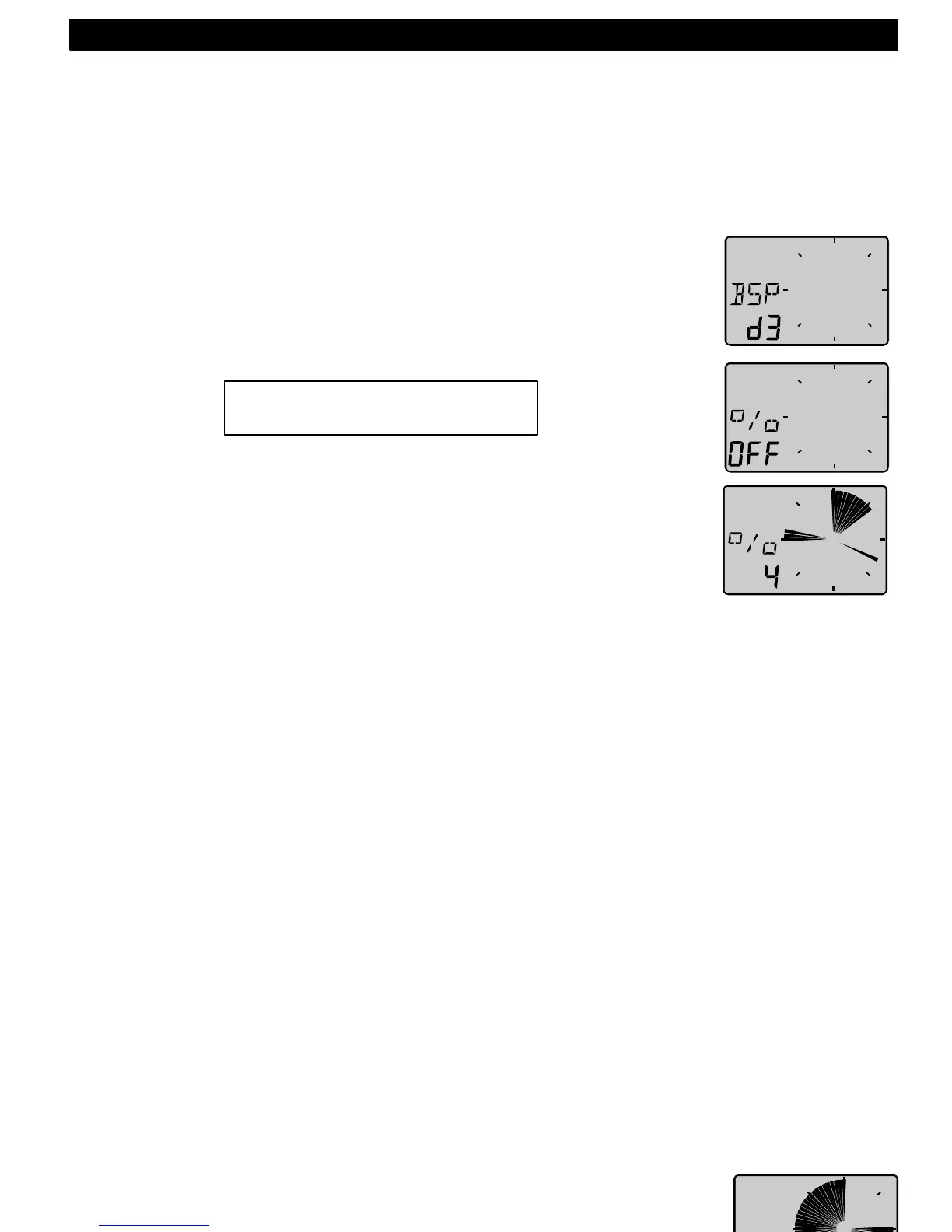
When [BSP] (or other function) is selected, the dampening [d3] is
flashing. Select dampening level and confirm with KEY.
The text [% OFF] is then displayed to show that the function is selected,
but no reference is yet set.
Press KEY to set [BSP] reference.
The display will now show you the text [%] toggling with text [BSP] or
whatever trim you have selected.
The speed variation is expressed in % from set value.
Press the KEY every time you wish to set a new trim reference value.
There is an option to use an external trim button to set a new trim
reference. See more in the calibration.
3.6 More Wind Data functions Nexus Network
By adding (or using) the Wind Data instrument in the Nexus Network,
more functions will be added if the corresponding transducer is
connected.
The Wind Data functions may be added or removed by the user.
The Wind Data instrument can be used in a small Network together with
the Multi, Log or analogue instrument, without a Server.
In order to make the installation easy when using both log and Wind
transducer in a small Network we recommend you to install with
connection kit art.no. 21453. Only one cable will carry the signals to the
instrument, then there is one Network/power cable to the Multi or Log
instrument. (See 2.1.4).
When using the Wind Data in a bigger Network with more then 3
transducers, we recommend you to use the Nexus Server.
Only one cable will be used to connect all instruments. You will also have
the NMEA 0183 input/output.
If you need to be able to read the depth information on more then one
instrument, the Server is the only choice.
Network bonus function:
Each sector represents 2%
4: OPERATION



 To Next Page