24
4 Calibration
To get the most out of your Nexus instrument, it is important to carefully
calibrate the instrument. The calibration values are stored in a non
volatile memory.
To access calibration mode, press and hold KEY more than 2 seconds.
To select a calibration code, press DOWN, UP and MODE as required.
To return to normal operation mode, press KEY when the text return
(RET) is displayed.
The different calibration routines are divided into five groups:
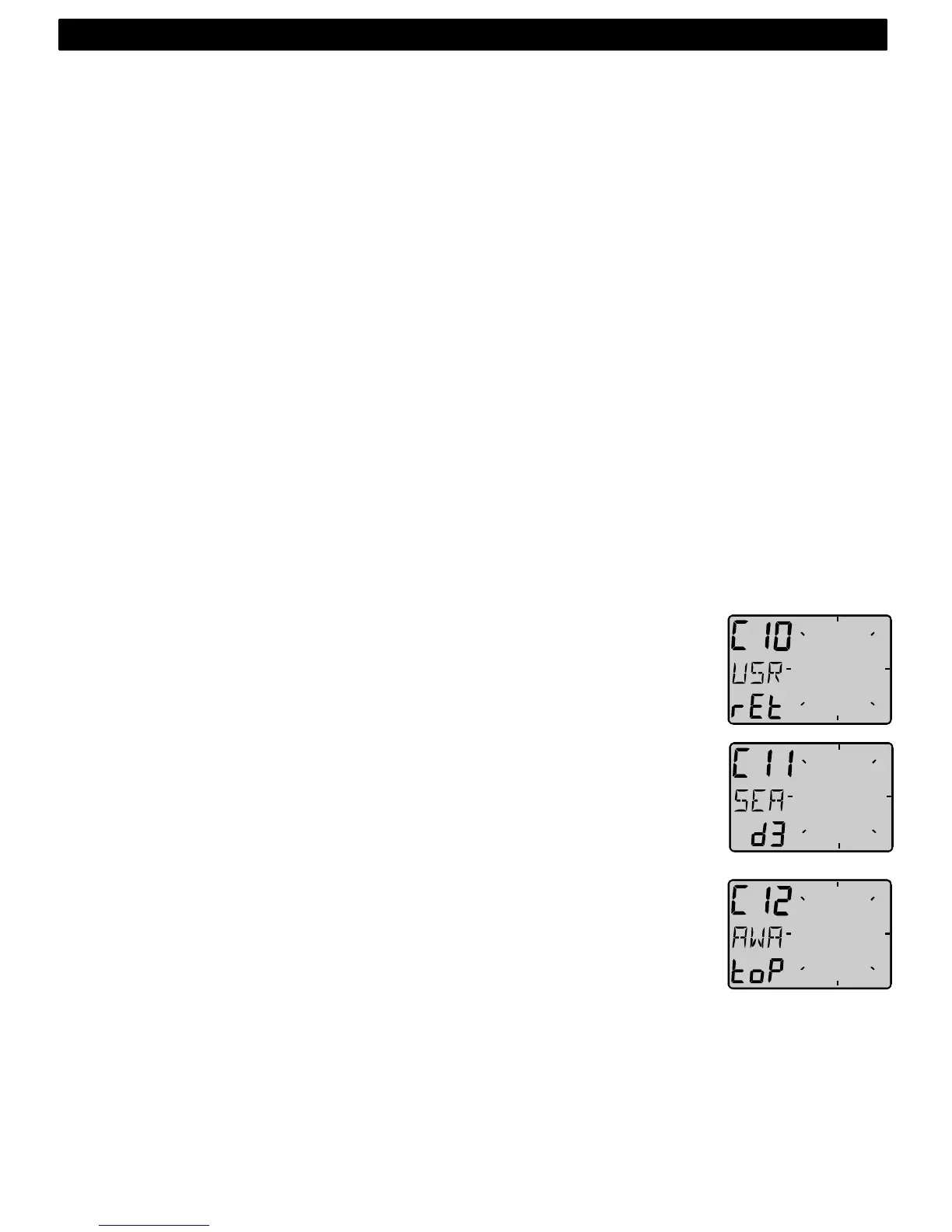
C10 - C15 = USR, User settings.
C20 - C24 = BSP, Log transducer and temp calibrations.
C30 - C33 = HDC, Compass settings.
C50 - C64 = WND, Wind transducer settings/calibrations.
C70 - C74 = CON, Configuration of the Nexus system.
To change a calibration value, press KEY.
To select calibration value, press DOWN, UP and MODE as required.
To lock the selected value, press KEY.
4.1 C10 User settings
To return to normal mode, press KEY when the text [rET] is displayed.
4.1.1 C11 Select the dampening
The dampening will affect Wind angle, Wind speed, boat speed and
VMG. Dampening is between d0 (0s) and d9 (1’20).
To change the dampening, press KEY and change with UP or DOWN
and enter with KEY.
4.1.2 C12 Select main information
Select function to be display at the top left of the LCD display. There is
five options.
AWA Apparent Wind Angle.
TWA True Wind angle by the use of log transducer.
AWS Apparent Wind speed.
TWS True Wind speed by use of log transducer.
WIA Main setting for the Nexus system. When selected, all
instruments using WIA will be system affected and following
the set-up in the Multi Control setting C51.
5: CALBRATION



 To Next Page