3.5.5.6 Upgrade
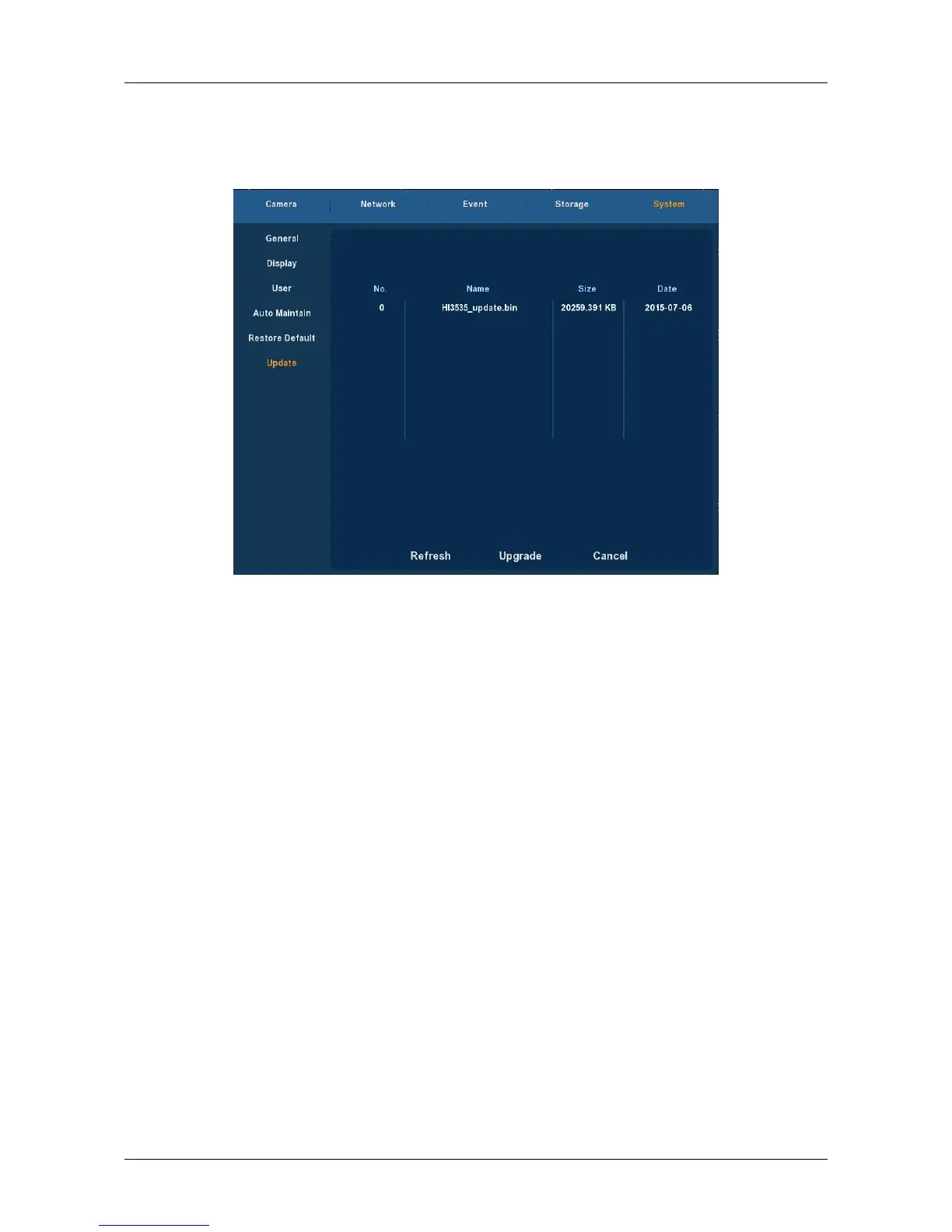
Choose ”Menu→Setup→System→Upgrade” in the Menu interface, the
Upgrade Setup interface is displayed, as Figure 3-33 shows.
Figure 3-33
If the device have detected upgrade files in the U disk, the related
information of upgrade package (number, name, size, date) will be
displayed.
U disk Upgrade steps: Copy the upgrade file (named should be the
format update_nvr.tgz) to the root directory of U disk, connect this U disk to
the device's USB port, if did not display the upgrade file in the list ,please
refresh the interface ( If the upgrade package still cannot be searched out ,
please check whether the USB port connect well with the U disk , and also
check whether the upgrade file name is correct). After the upgrade file
appears, select the upgrade file, click the "upgrading" and begin to
upgrade; If you don't want to upgrade, click cancel to return.
Note: During the upgrading process, please do not cut off the power or
take off your U disk. After the upgrading, your system will restart
automatically. (This process will takes about 3 to 5 minutes.) Here, we
advice you to restore factory Settings after the upgrading.



 To Next Page