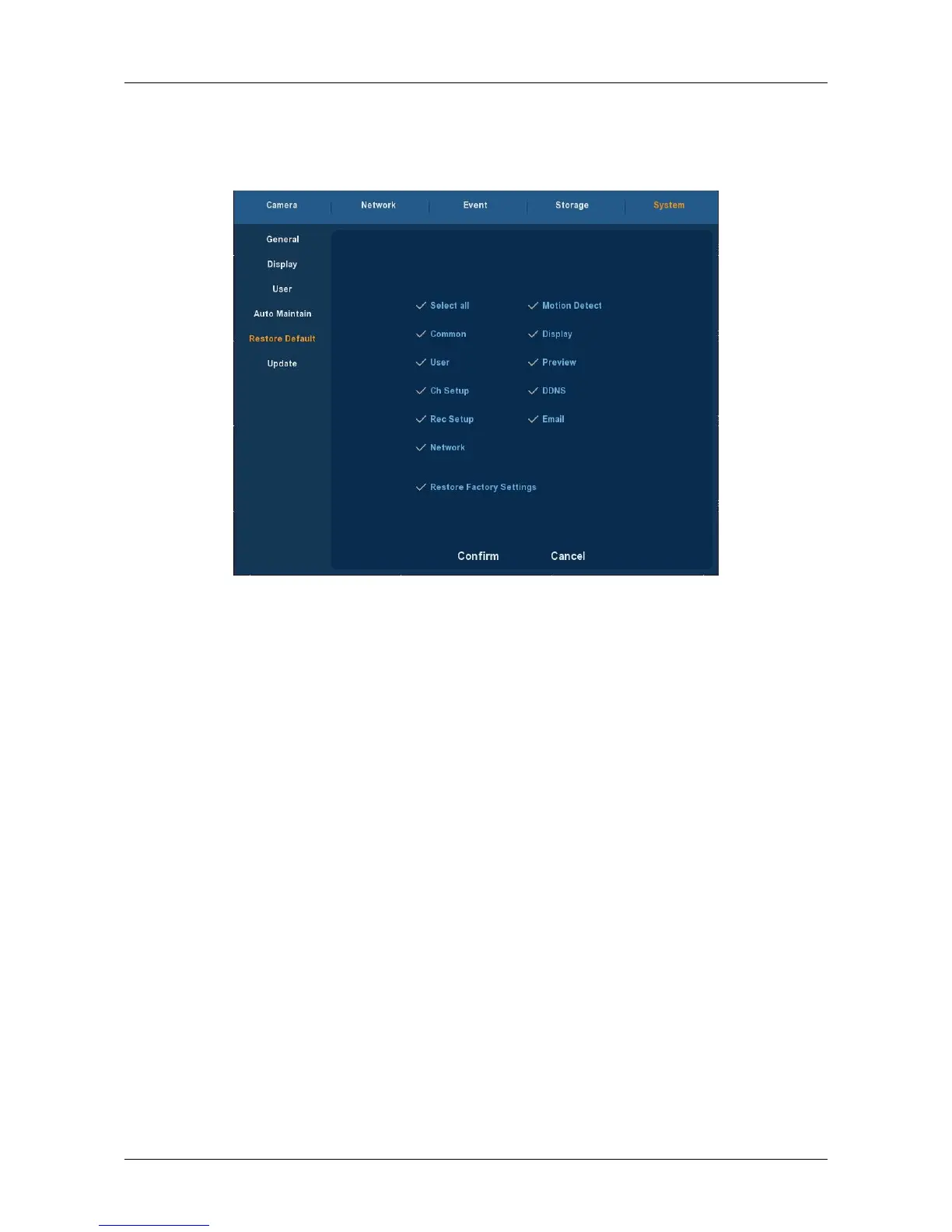
3.5.5.5 Restore Default
Choose ”Menu→Setup→System→Default” in the Menu interface, the
Default Setup interface is displayed, as Figure 3-32 shows.
Figure 3-32
According to user selection, you can set the parameters of restore
default for “General Settings”, “User manage”, “Channel configuration”,
“Record Setup” and “NetWork” and other parameters.



 To Next Page