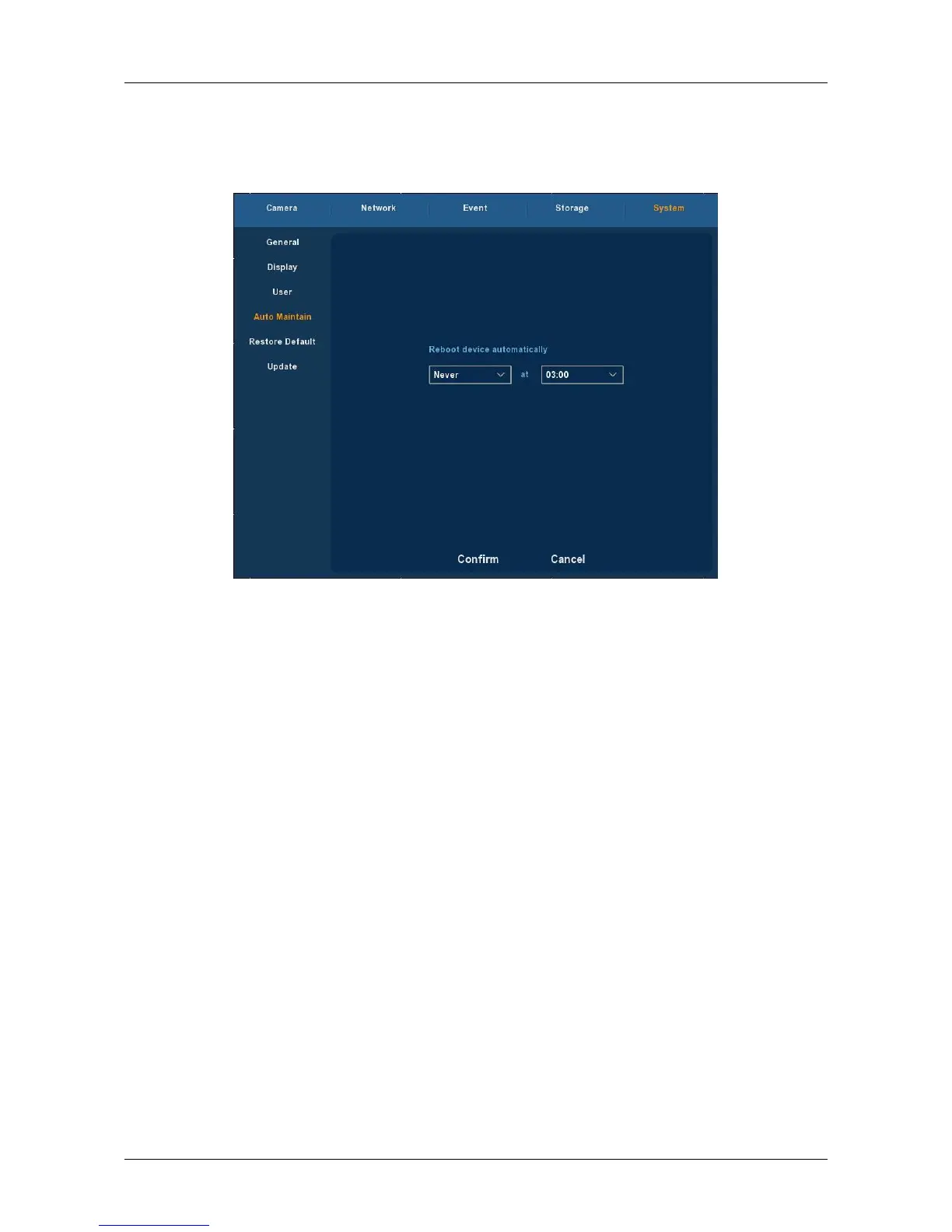
3.5.5.4 Auto Maintain
Choose ”Menu → Setup → System → Auto Maintain” in the Menu
interface, the Auto Maintain interface is displayed, as Figure 3-31 shows.
Figure 3-31
User can themselves set the system to be automatically rebooted.
Automatically rebooting system can be set in a fixed time periodically. Click
OK to save after finishing the setup or click Cancel otherwise.



 To Next Page