3.5.5.3 User
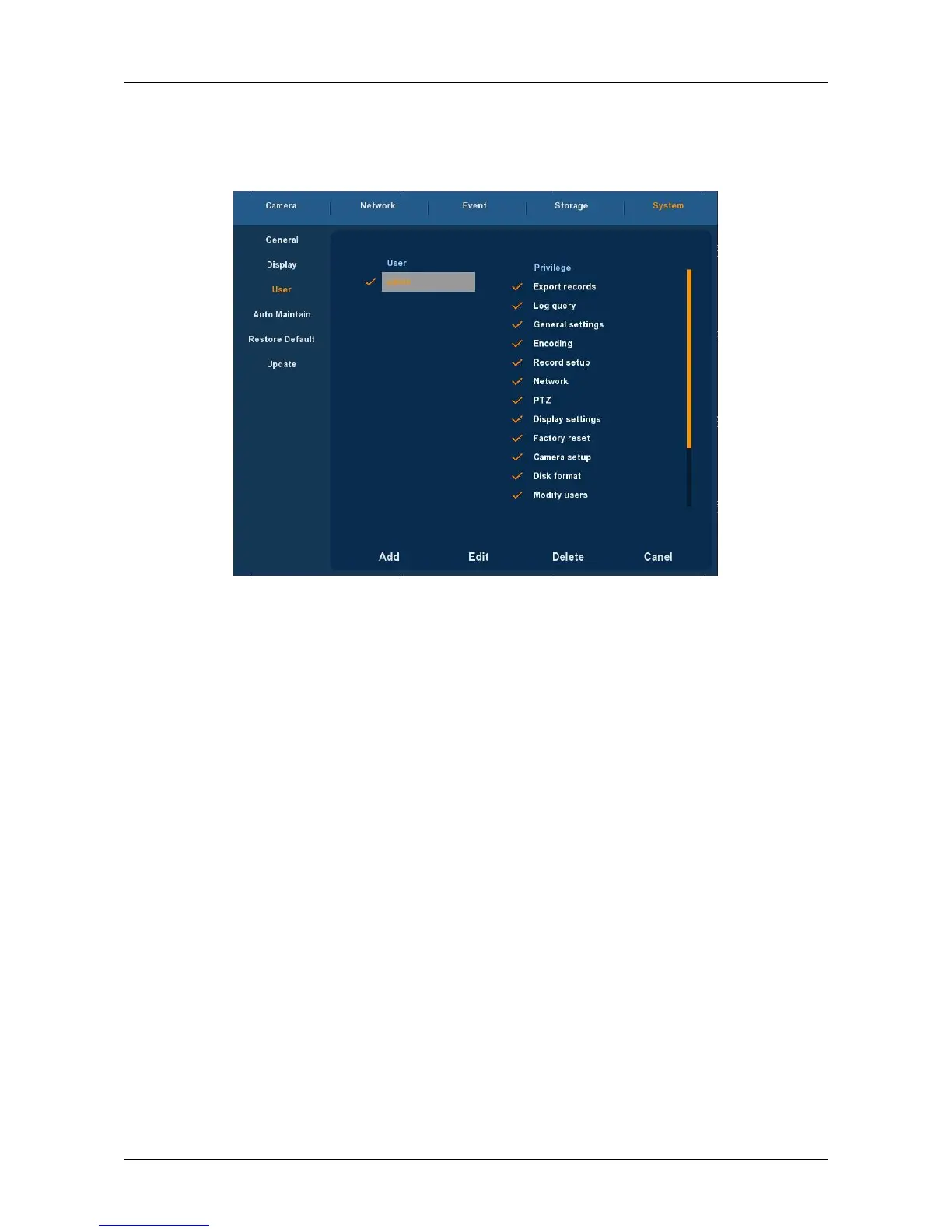
Choose ”Menu→Setup→System→User” in the Menu interface, the User
Setup interface is displayed, as Figure 3-30 shows.
Figure 3-30
User: List added users. “admin” is super user/administrator, and we
cannot change its privilege, but only its password. Other general users
have no privilege of adding, modifying or deleting.
Privilege: Privilege list of users. It includes PTZ control, playback,
parameter setup, query log, advanced configuration, channel
management, query parameter, backup /shut down/ logout.
Add: To add a new user, which can be only done by super
administrator--admin. Click “Add”, then enter user name and
password, select privilege and save the parameters.
Edit: To change information of users, which can be only done by super
administrator--admin. First, choose a user, click “modify”, then enter
old password and new password, modify privilege, and finally save the
parameters.
Delete: To delete user, which can be only done by super
administrator--admin.
Cancel: Return to former interface.



 To Next Page