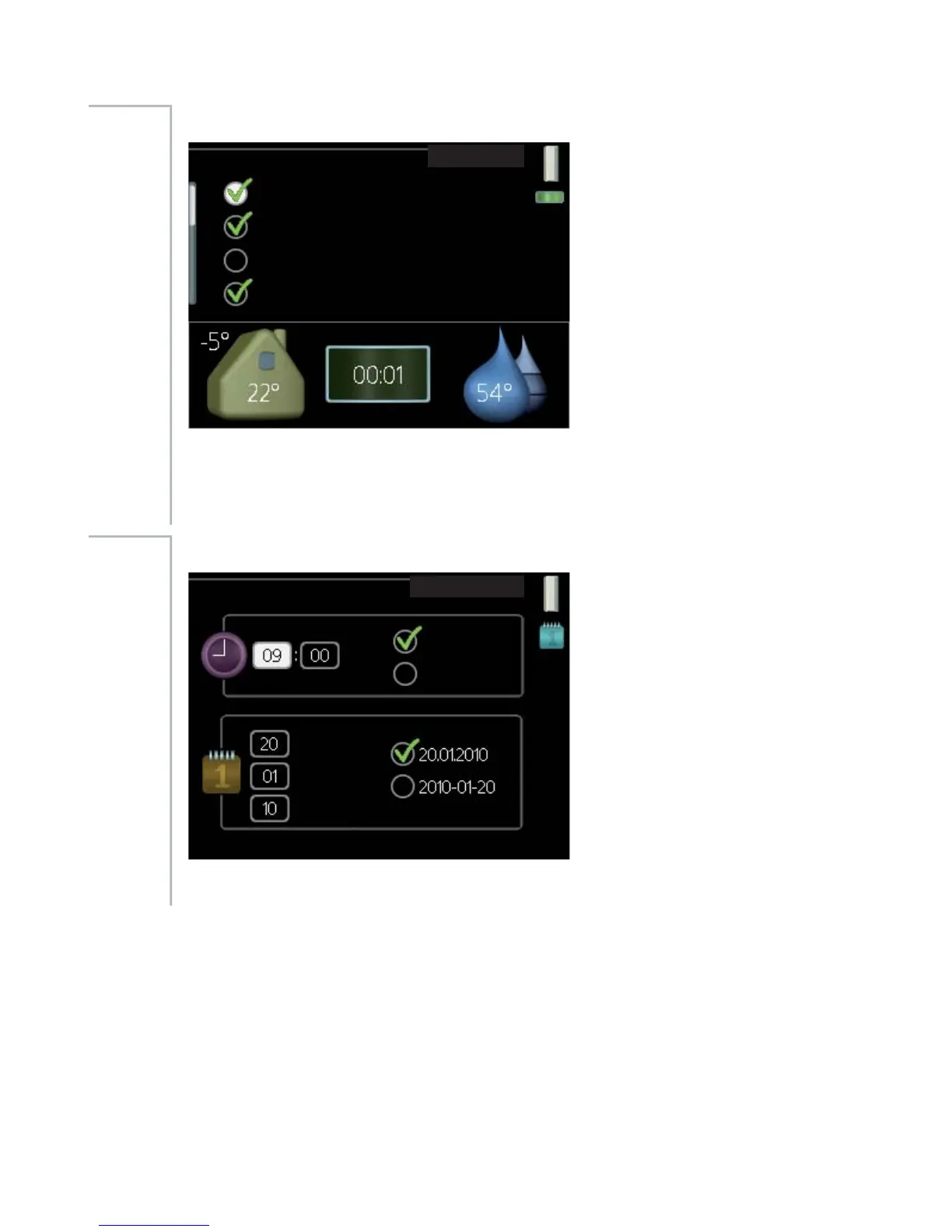
my icons
P\ LFRQV
RXWGRRULQGRRU WHPSHUDWXUH
KRW ZDWHU WHPSHUDWXUH
GLJLWDO FORFN
DQDORJ FORFN
Menu
4.3
You can select what icon should be visible when the door to F1245 is closed.
You can select up to 3 icons. If you select more, the ones you selected first
will disappear. The icons are displayed in the order you selected them.
time & date
WLPH GDWH
WLPH
GD\
\HDU
PRQWK
KUV
K
GDWH
Menu
4.4
Set time and date and display mode here.
61NIBE™ F1245Chapter 3 | F1245 – at your service



 To Next Page