4
Disturbances in comfort
In most cases, the heat pump notes operational interference and indicates
this with alarms and shows instructions in the display. See page 70 for inform-
ation about managing alarms. If the malfunction does not appear in the dis-
play, or if the display is not lit, the following troubleshooting guide can be
used.
Manage alarm
LQIR DFWLRQ
UHVHW DODUP
DLG PRGH
/RZ SUHVVXUH DODUP
DODUP
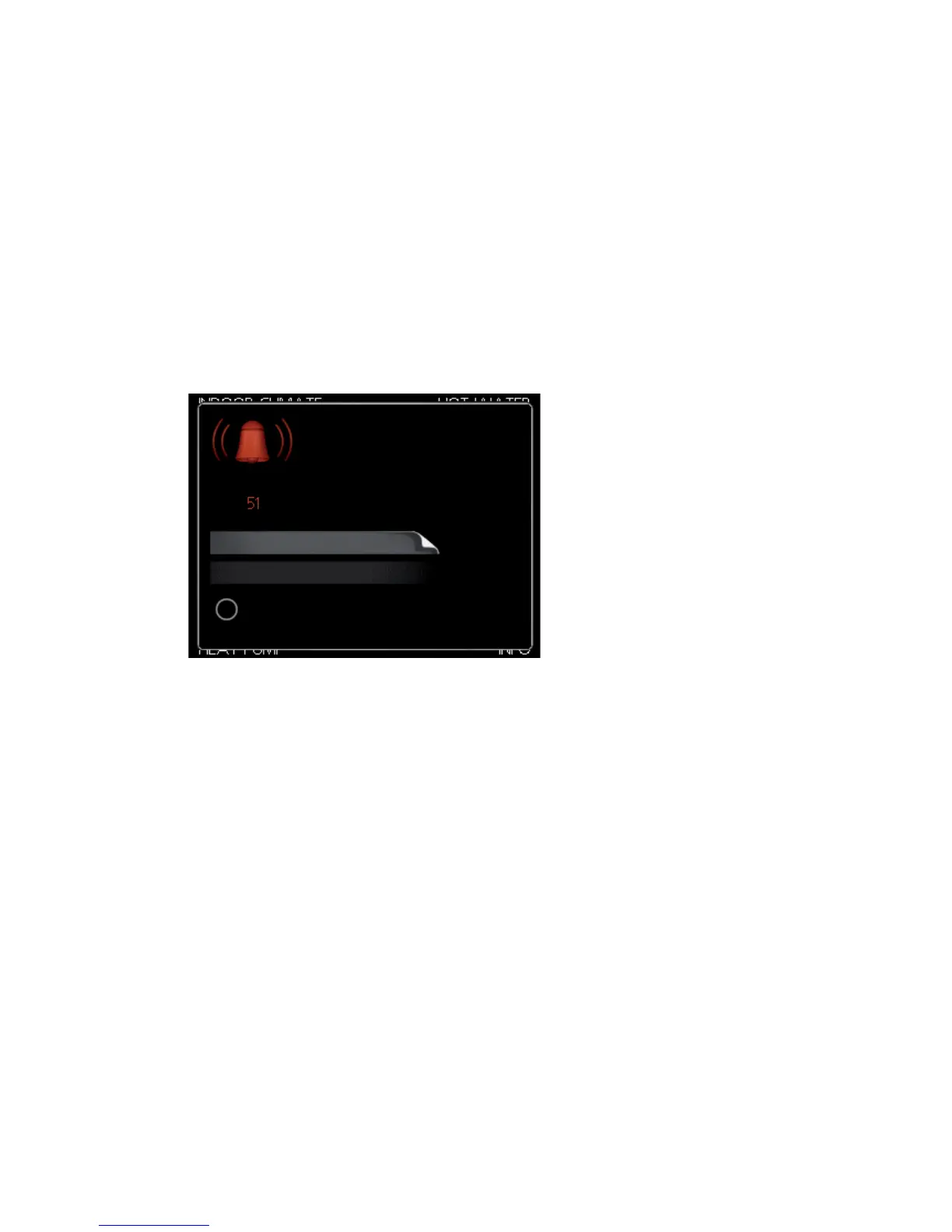
In the event of an alarm, some kind of malfunction has occurred, which is
indicated by the status lamp changing from green continuously to red con-
tinuously. In addition, an alarm bell appears in the information window.
Alarm
In the event of an alarm with a red status lamp a malfunction has occurred
that the heat pump cannot remedy itself. In the display, by turning the control
knob and pressing the OK button, you can see the type of alarm it is and reset
it. You can also choose to set the heat pump to aid mode.
info / action Here you can read what the alarm means and receive tips on
what you can do to correct the problem that caused the alarm.
reset alarm In most cases it is enough to select "reset alarm" to correct the
problem that caused the alarm. If a green light illuminates after selecting
"reset alarm" the alarm has been remedied. If a red light is still visible and a
menu called ”alarm” is visible in the display, the problem that caused the
alarm remains. If the alarm disappears and then returns, contact your installer.
NIBE™ F1245Chapter 4 | Disturbances in comfort70



 To Next Page