22
1
2
FERTILISERS
NIDO ONE V2 is compatible with liquid fertilisers, use
ONLY fertilisers of mineral origin.
Do not use organic fertilisers.
Do not use solid fertilisers, do not use any
other type of substance that is too dense
that it could clog the pipes or lters of NIDO
ONE V2.
In order to avoid blocking the hydraulic
circuits, it is recommended to carry out a
cleaning cycle at the end of each growing
cycle from the Settings menu >
Device cleaning.
If you need to change fertiliser during the
growing cycle, make sure to remove and
rinse the NIDO ONE V2 cartridges, avoiding
leaving any residue of previously used
fertiliser. Before replacing the fertiliser, make sure
to remove any residue from inside the NIDO ONE
V2. To avoid chemical reactions that could clog the
device, remove the fertiliser cartridge then use the
manual dispensing function from the Home > Control
> Fertiliser menu to dispense at least 20 ml of the
fertiliser you need to replace.
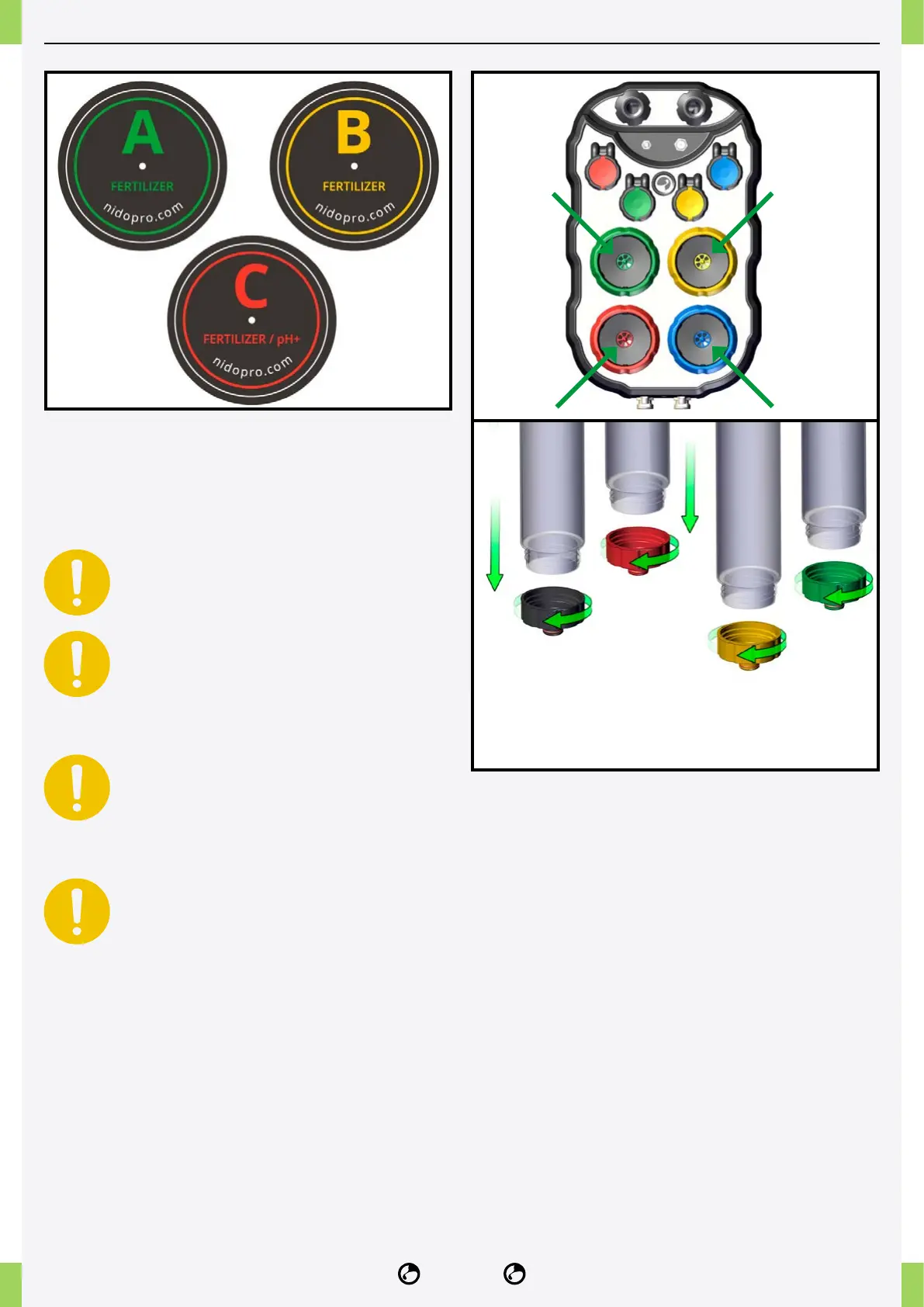
CARTRIDGE MAINTENANCE
1� Periodically check the entry of the fertiliser and pH
cartridges and remove any salt deposits to ensure a
clean entry.
2� Remove any residue from the bottom of the
cartridge by unscrewing the bottom cap.



 To Next Page