29
1
ACCESS POINT
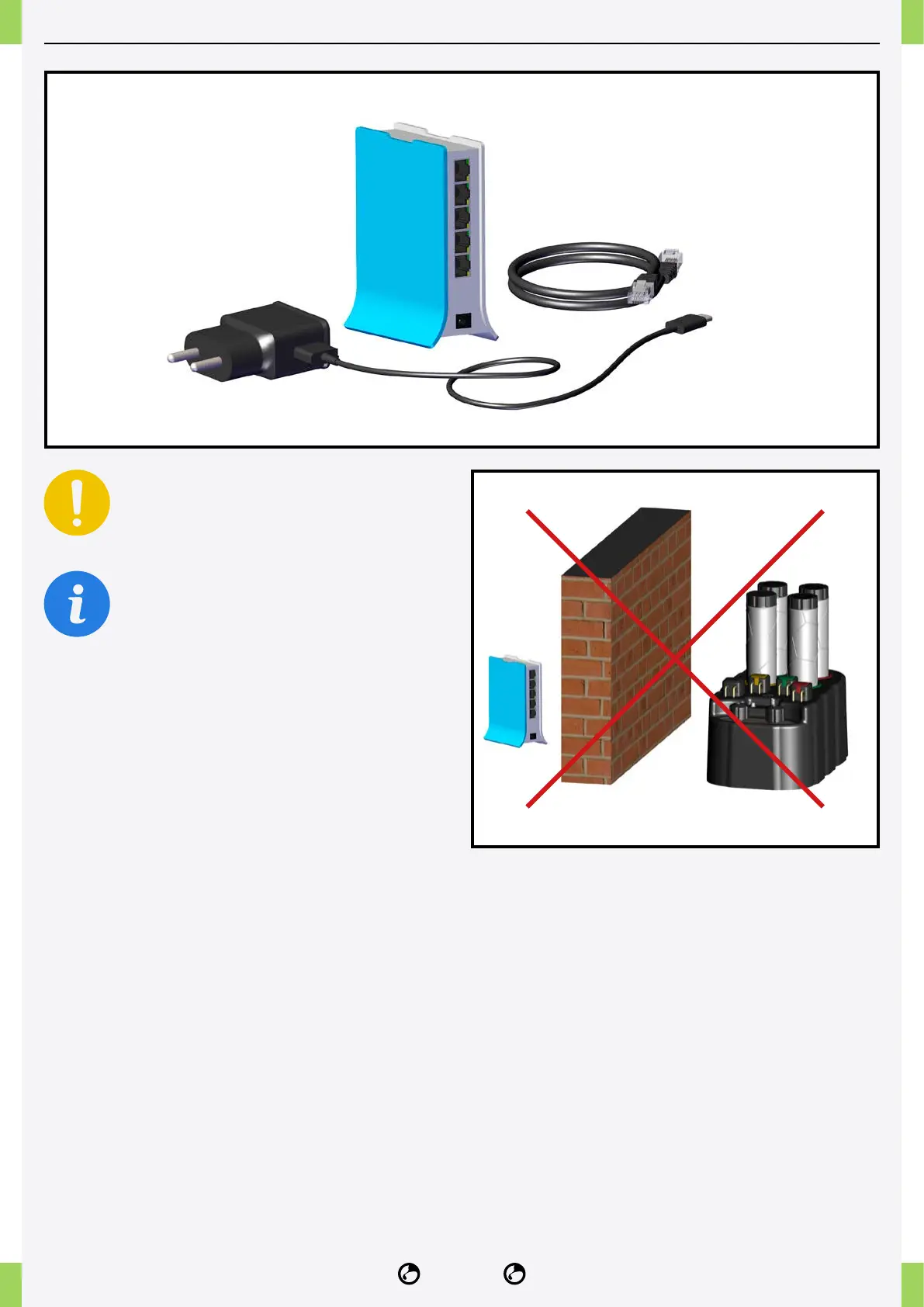
Place the access point in a protected
location, away from splashing water.
If the Ethernet cable is not long enough to
connect the router to the access point, we
recommend using an extender, such as the
TP-Link TL-WA850RE.
The included access point allows you to easily
connect the NIDO ONE V2 to the Internet, it can be
placed up to 5 metres away as the crow ies.
1� Place the access point close to the NIDO ONE V2.
Avoid walls or partitions between the NIDO ONE V2
and the access point.
2� Connect the Ethernet cable to the “internet” port of
the access point and then to the modem/router.



 To Next Page