12
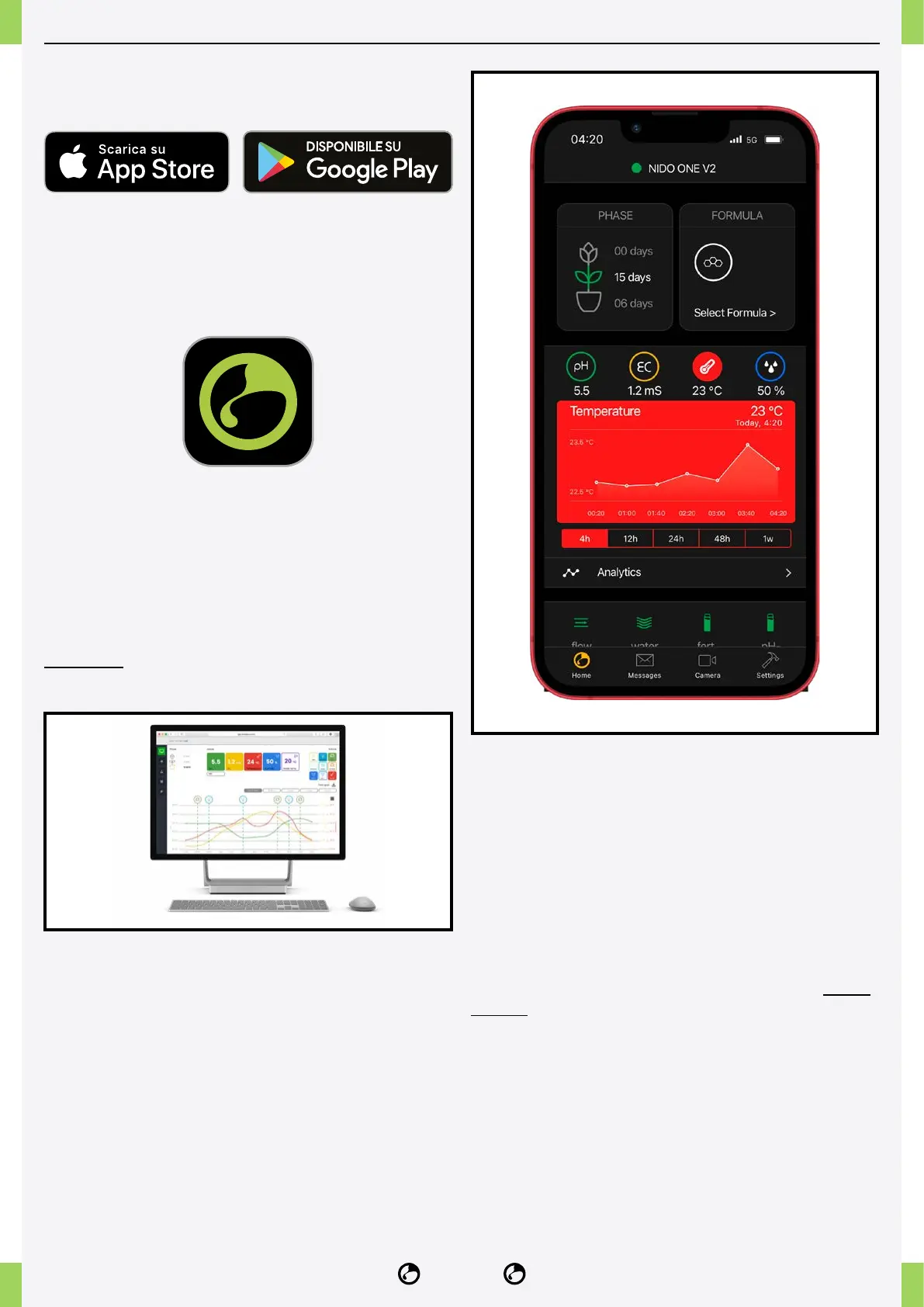
INSTALL THE NIDOPRO APP
1� Free download of the NidoPro app from the App
Store or Google Play.
2� If you do not have the login details, create a new
account and congure NIDO ONE V2 by following the
tutorial in the NidoPro app.
3� You can change your crop details at any time from
the ‘Settings’ menu.
4� It is possible to use NIDO LAB for advanced
cultivation management, available only for PC/tablet
and accessible via the web at lab.nidopro.com using
the login details of the NidoPro app.
NIDO LAB is a subscription-based platform.
HOME
Informs you of the status of the NIDO, the most
important values and the checks that certify the
correct functioning of the device and the status of the
plants.
NOTIFICATIONS
You will nd all the important notications provided by
the system in chronological order.
CAMERA
You can view the cultivation by connecting the NIDO
camera (not included in NIDO ONE V2).
SETTINGS
You can congure NIDO ONE V2 settings, grow
parameters and access technical support.



 To Next Page