108
J
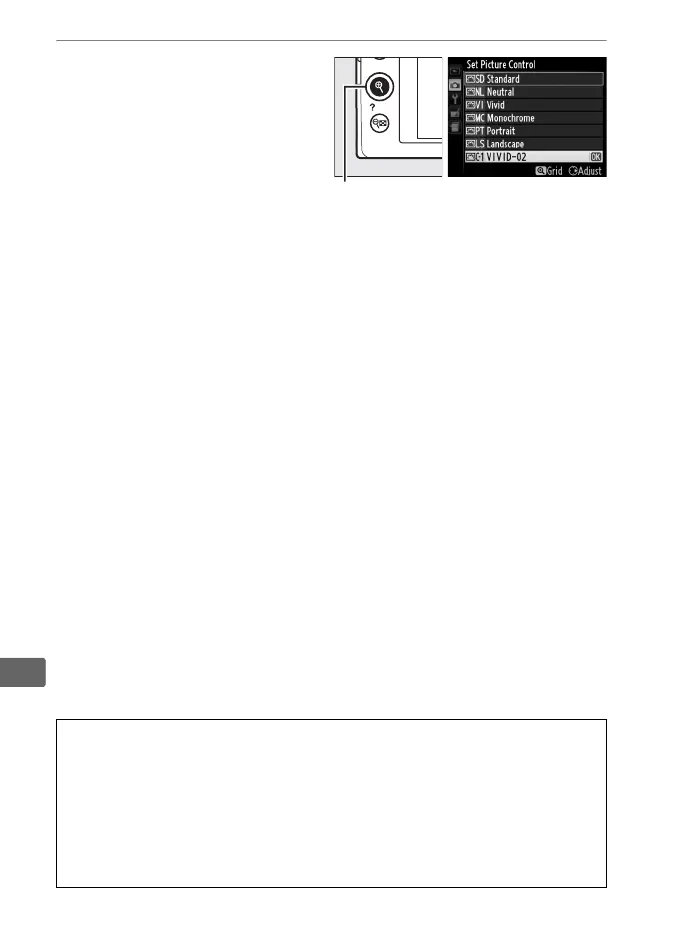
7 Save changes and exit.
Press X to save changes
and exit.
The new Picture
Control will appear in the
Picture Control list.
A Manage Picture Control > Rename
Custom Picture Controls can be renamed at any time using the Rename
option in the Manage Picture Control menu.
A Manage Picture Control > Delete
The Delete option in the Manage Picture Control menu can be used to
delete selected custom Picture Controls when they are no longer
needed.
X button



 To Next Page