190
U
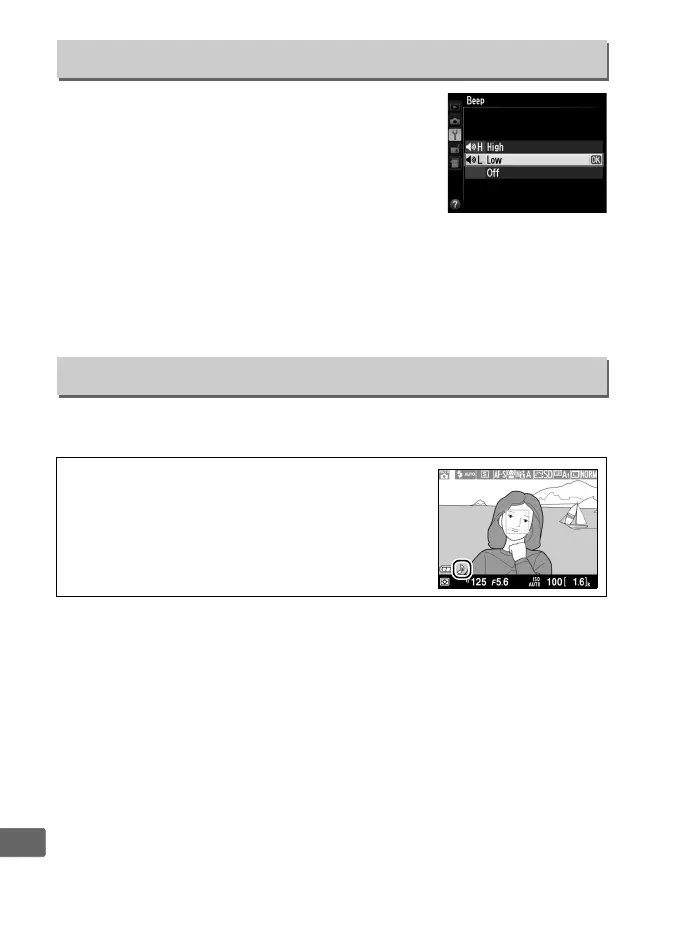
Choose the pitch (High or Low) of the beep
that sounds when the camera focuses using
autofocus, while the release timer is counting
down in self-timer and delayed remote modes
(0 63) when a photograph is taken in quick-
response remote mode (0 63), or if you
attempt to take a photograph when the memory card is locked
(0 24).
Select Off to prevent the beep from sounding.
Note that a
beep will not sound in movie mode when the memory card is
locked or the camera focuses.
Choose whether the camera makes a sound when the shutter is
released.
Beep
G button ➜ B setup menu
Shutter Sound
G button ➜ B setup menu
A The 5 Icon
A 5 icon is displayed when an option other than
Off is selected for Beep or Shutter sound.



 To Next Page