56
#
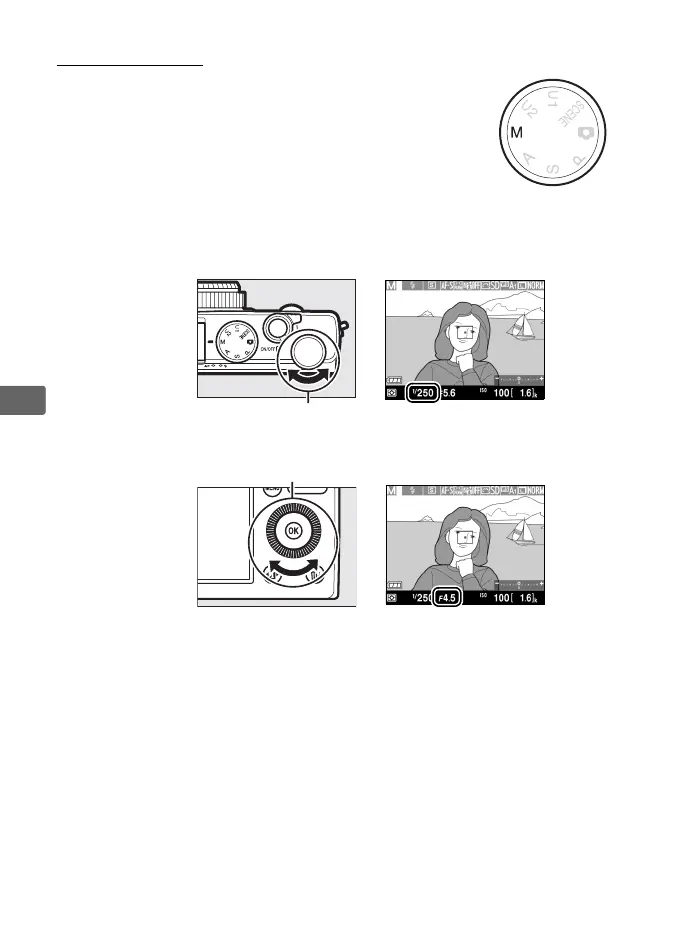
M: Manual
In manual mode, you control both shutter speed
and aperture.
Rotate the command dial to choose a
shutter speed, and the multi selector to set aperture
(shutter speed can also be set by keeping the
E (N/L) button pressed and rotating the multi
selector, aperture by keeping the E (N/L) button pressed and
rotating the command dial).
Use the exposure indicators to check
exposure.
Shutter
speed
Command dial
Multi selector
Aperture



 To Next Page