55
#
A: Aperture-Priority Auto
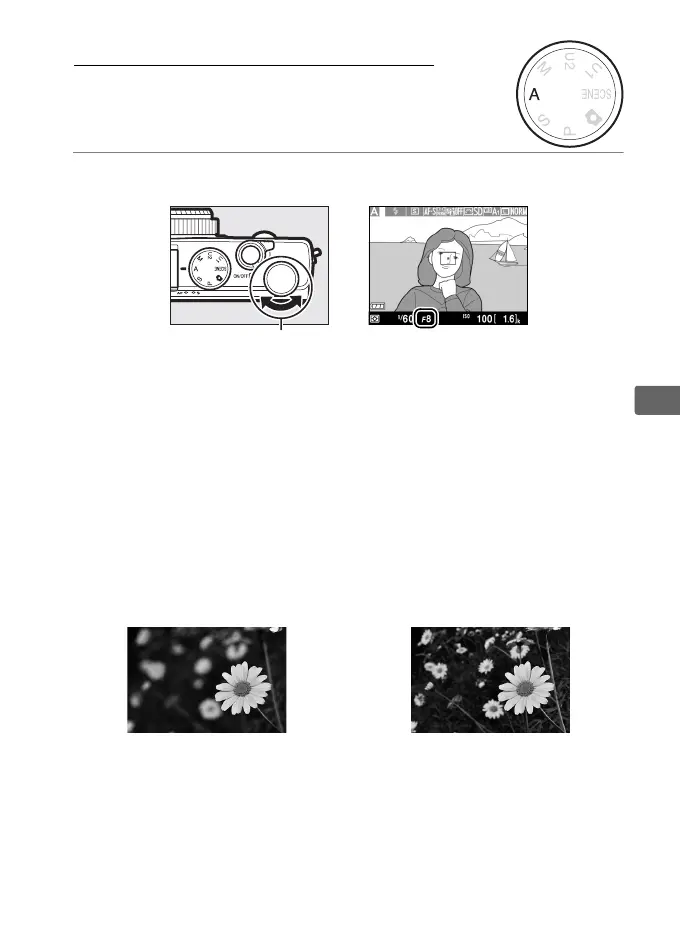
To choose aperture, rotate the command dial.
In aperture-priority auto, you choose the aperture while the
camera automatically selects the shutter speed that will produce
the optimal exposure.
Large apertures (low f-numbers) increase
flash range and reduce depth of field, blurring objects behind and
in front of the main subject.
Small apertures (high f-numbers)
increase depth of field, bringing out details in the background and
foreground.
Short field depths are generally used in portraits to
blur background details, long field depths in landscape
photographs to bring the foreground and background into focus.
Large aperture (f/5.6) Small aperture (f/22)
Command dial



 To Next Page