149
I
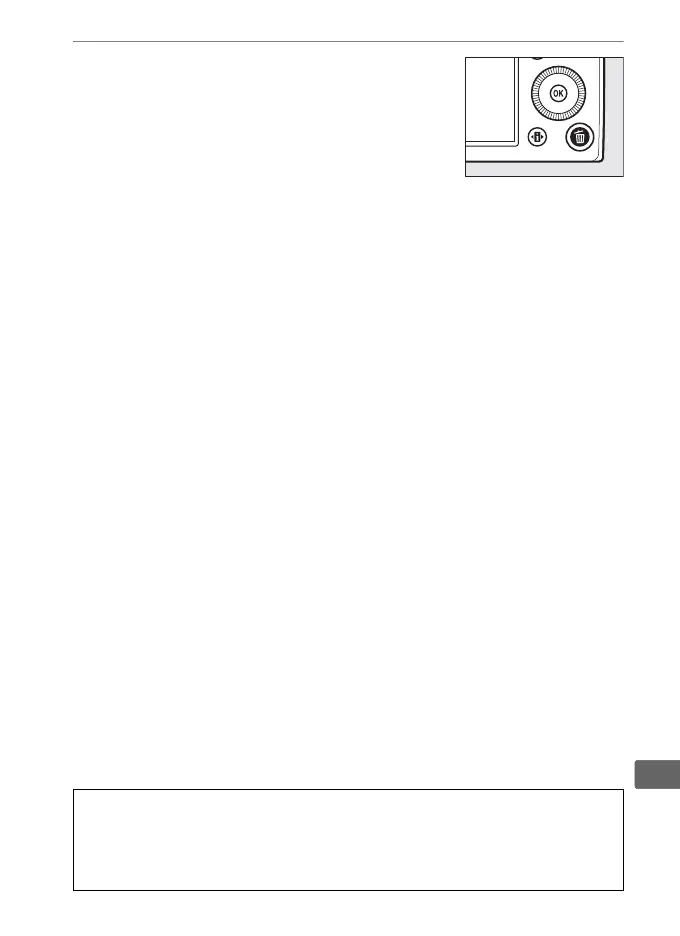
3 Press the O button again.
To delete the photograph, press the O
button again.
To exit without deleting
the photograph, press the K button.
A Calendar Playback
During calendar playback, you can delete all photographs taken on a
selected date by highlighting the date in the date list and pressing the O
button.



 To Next Page