224
U
❚❚ Deleting Options from My Menu
1 Select Remove items.
In My Menu (O), highlight Remove items and press 2.
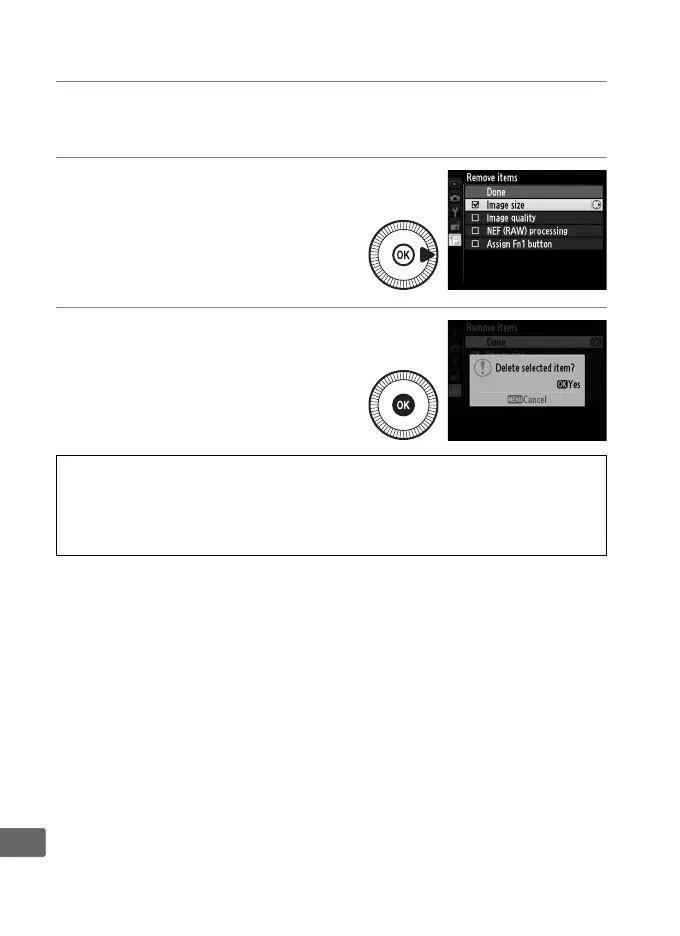
2 Select items.
Highlight items and press 2 to
select or deselect.
Selected
items are indicated by a check
mark.
3 Delete the selected items.
Highlight Done and press J.
A confirmation dialog will be
displayed; press J again to
delete the selected items.
A Deleting Items in My Menu
To delete the item currently highlighted in My Menu, press the O button.
A confirmation dialog will be displayed; press O again to remove the
selected item from My Menu.



 To Next Page