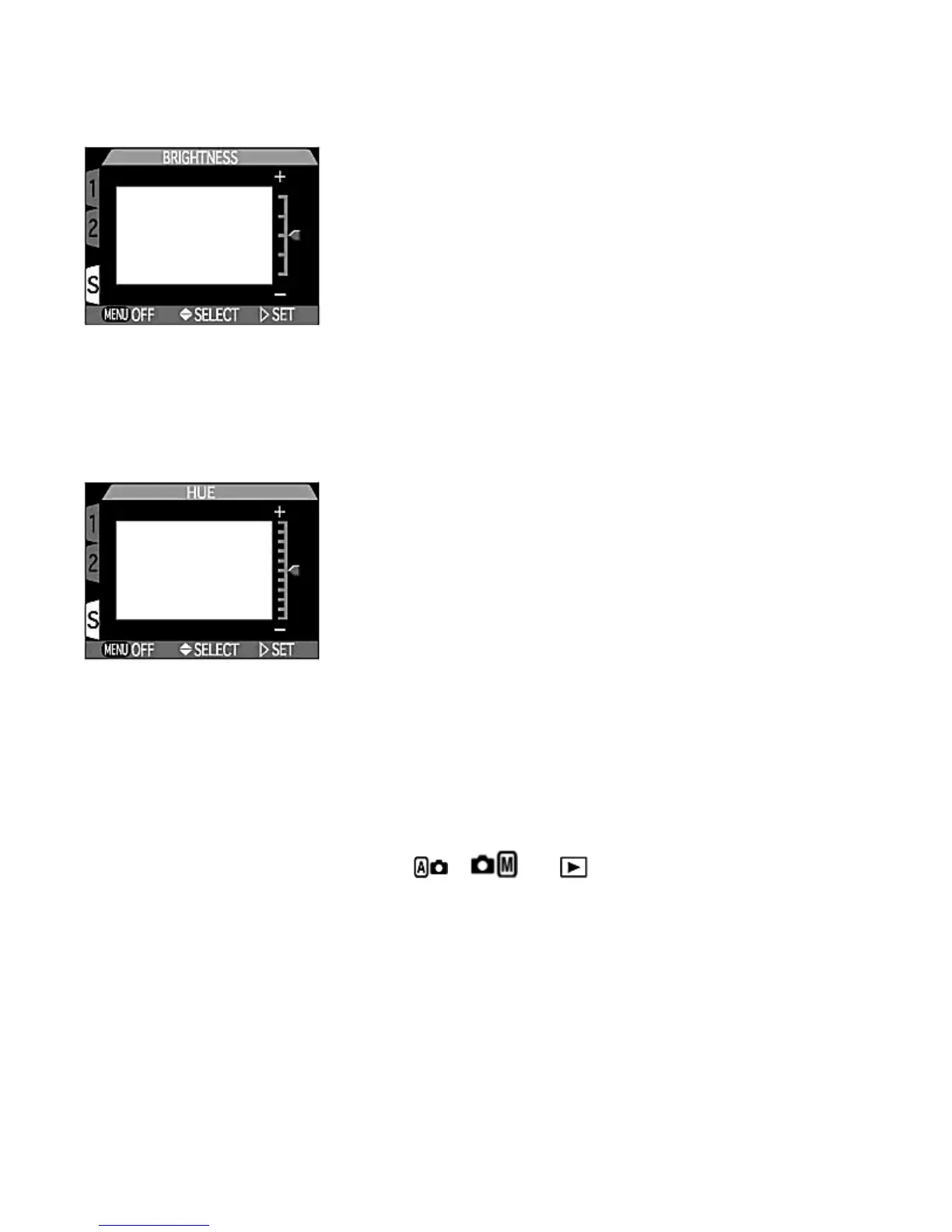
This option adjusts the brightness of the Monitor through five levels.
Press UP
or DOWN
to increase or decrease the brightness of the Monitor by moving the arrow at the right side of the
display up (brighter) or down (darker). Press RIGHT
to complete the Brightness setting and return to the SET-UP
menu. Press the MENU
button to complete this setting.
-- Hue --
The hue (overall color) of the Monitor can be finely adjusted to any of eleven levels.
Press
UP
or
DOWN
to alter the hue by moving the arrow at the right side of the display up (reddish) or down (bluish).
Once you have adjusted hue to your satisfaction, press RIGHT
to complete the hue setting and to return to the SET-
UP
menu. Press the
MENU
button to complete the setting.
Selecting Brightness and Hue settings
The
Brightness
and
Hue
settings become effective as the arrow moves, allowing instant visual feedback on the changes in
color and brightness.
Check point
The adjusted
Brightness
and
Hue
are applied to all , and modes.
Shutter sound
The camera has a small speaker to allow a confidence beep to indicate important operations like shutter release. With Shutter
Sound menu, you can activate or cancel the camera's beep.
Pa
e 101 of 136
ikon COOLPIX995 Di
ital Camera
3/15/2002htt
://www.livemanuals.com/
acka
es/
roducts/NK002/2136/manual/fullmanual.html



 To Next Page