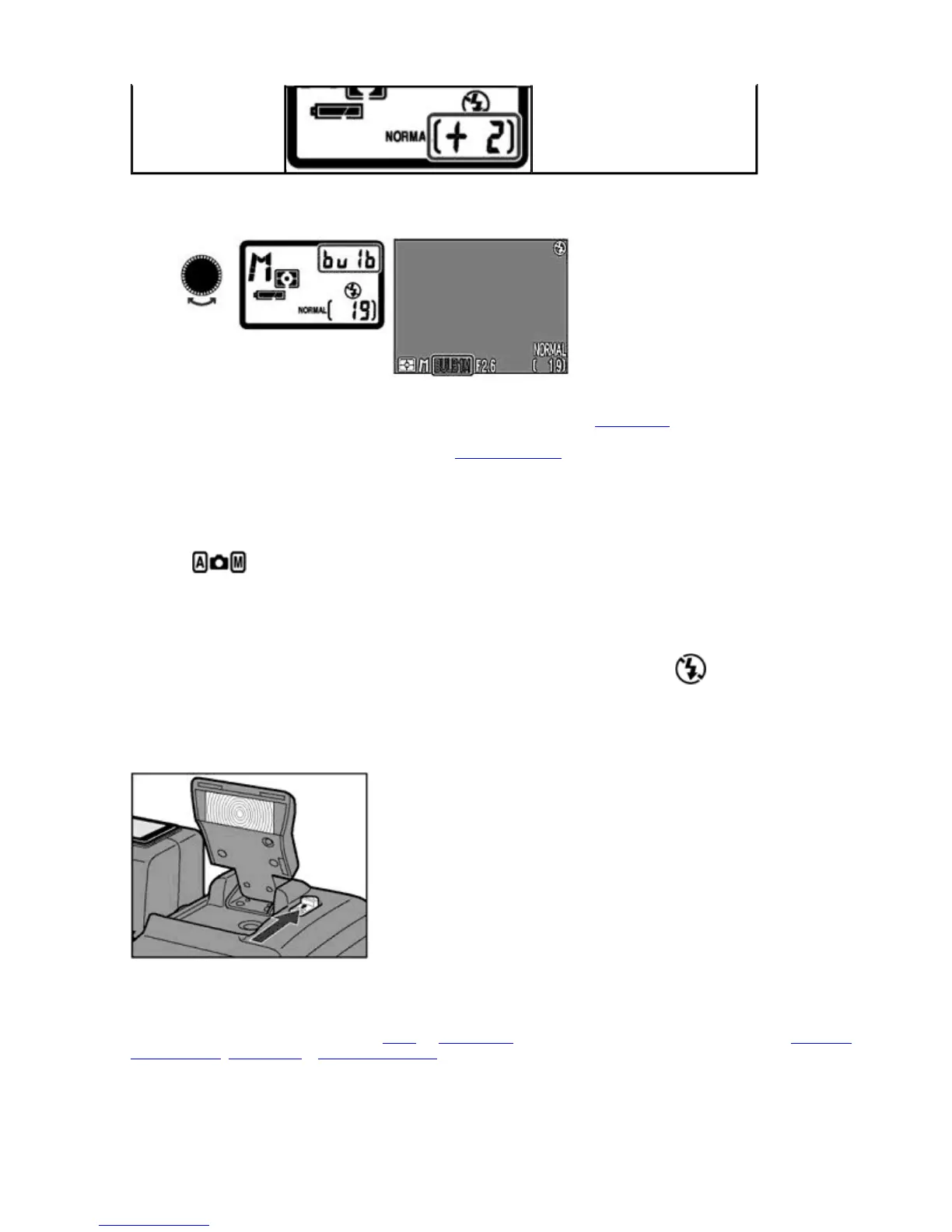
Long time (BULB) exposure (up to 60 sec.)
1. Set the Exposure mode to M, and place the camera on a tripod or secure position, then rotate the
COMMAND
dial to set the shutter speed indication to
bu 1b
(next after 8 sec.) to enable long time (
BULB
) exposure.
2. Pressing the
SHUTTER RELEASE
button once opens the shutter up to 60 sec.
BULB
can only be set when
Single
mode is selected in the Continuous
Shooting menu.
The Speedlight is canceled if
BULB
exposure is set.
During long-time exposure, selecting Noise Reduction On can reduce noise in the form randomly
spaced bright-colored pixels in the recorded image.
Setting the Flash Mode
Shooting Mode
Four Flash modes are available for use in various flash shooting situations.
Condition in which Flash mode can be set
Flash mode can only be set when the built-in Speedlight is raised. The Flash Cancel indication displayed in the Control
panel and Monitor when the built-in Speedlight is stowed.
1.
1. Slide the Speedlight release lever to release the built-in Speedlight.
NOTE:
If flash does not fire
The Speedlight does not fire with Infinity focus, in Continuous Shooting mode (other than
Single
mode), in Best Shot
Selector mode, Lens mode or Int Flash Off mode even when the built-in Speedlight is released.
2.
Press the FLASH MODE
button repeatedly until the desired Flash mode appears.
Pa
e 53 of 136
ikon COOLPIX995 Di
ital Camera
3/15/2002htt
://www.livemanuals.com/
acka
es/
roducts/NK002/2136/manual/fullmanual.html



 To Next Page