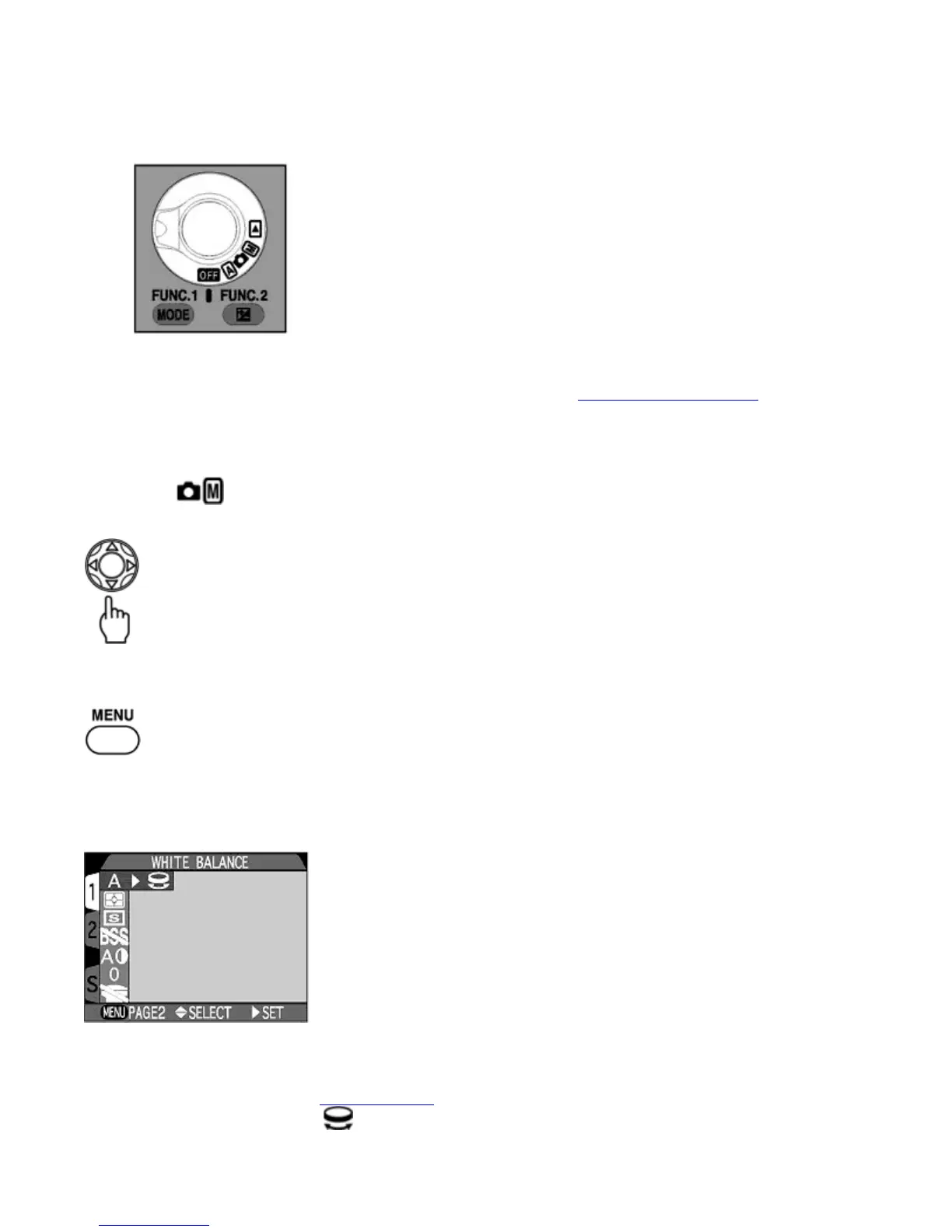
{
Photographs stored on the CF memory card can be reviewed using the
QUICK
button. Press the
QUICK
button
to view the image in the top left corner of the Monitor.
{
Press the
QUICK
button again to see the image full screen.
{
Use the Zoom button to enlarge the image and use the Multi selector to scroll to hidden parts of the picture.
9.
Set the
MODE
dial to when you have finished taking photographs
Deleting images
You can delete the image in the Full-screen review mode. See step 6 of Basic Operation (Auto mode)
Menu Guide
Menu Guide:
Shooting Mode
Press the Multi selector to switch between Shooting menu 1 and 2
Press
MENU
button to select.
Shooting Menu 1
WHITE BALANCE
Pa
e 15 of 136
ikon COOLPIX995 Di
ital Camera
3/15/2002htt
://www.livemanuals.com/
acka
es/
roducts/NK002/2136/manual/fullmanual.html



 To Next Page