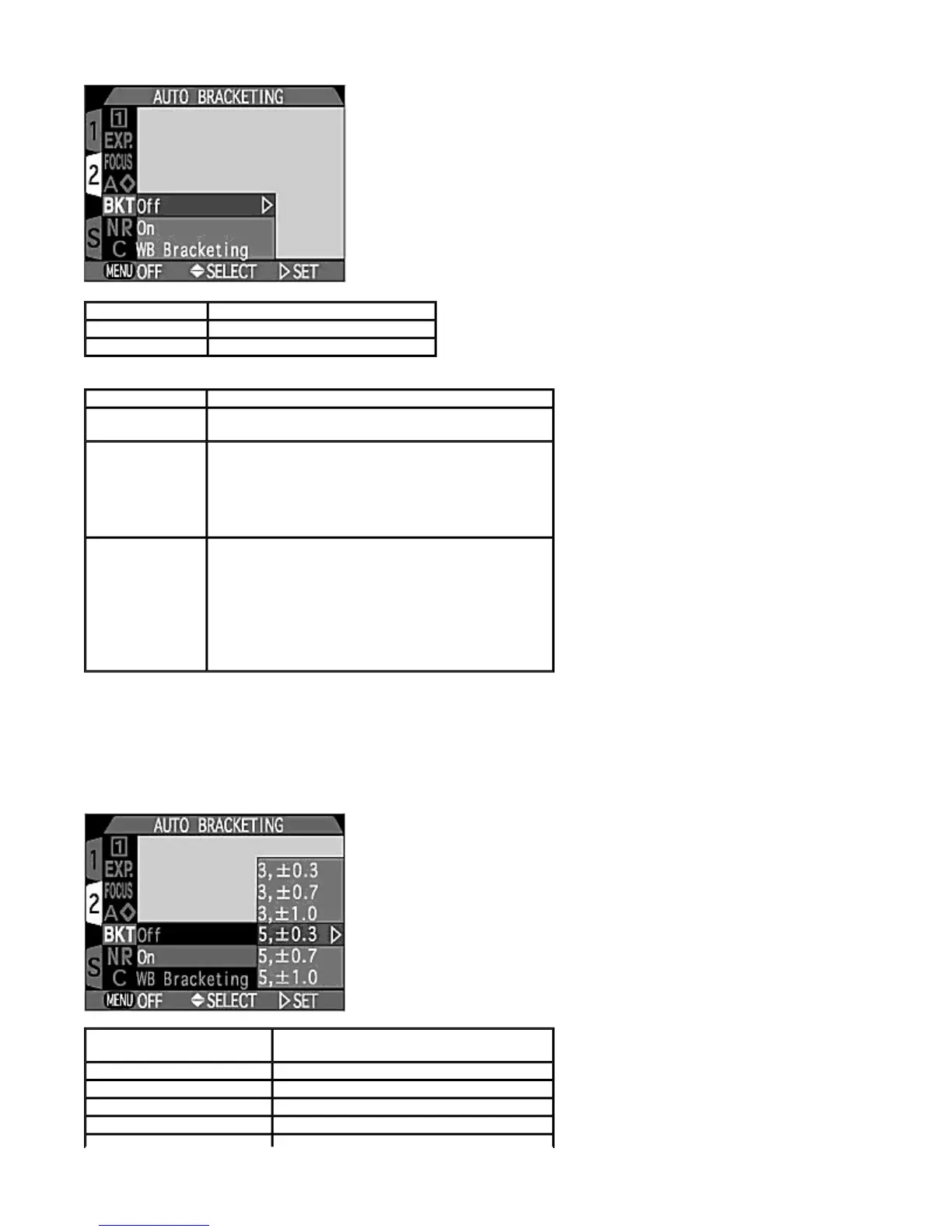
-- On --
Each time you press the
SHUTTER RELEASE
button, either three or five shots are taken ranging form over exposed EV
values to under exposed EV values. When you shoot a high-contrast image, the image with the desired exposure can be
selected from the set of bracketed shots.
Of
Bracketing is off.
On
uto Bracketing is set.
WB Bracketin
White Balance Bracketing is set.
Bracketin
Characteristics
Off
Bracketing is canceled and normal exposure control is
used.
On
uto Bracketing is performed with the selected number
of bracketing shots and with a compensated EV value
offset from the automatically metered exposure. The
Shutter speed is bracketed in
P
,
R
or
M
Exposure
modes and the aperture is bracketed in
S
Exposure
mode.
WB Bracketing
The White Balance is bracketed when you press the
SHUTTER RELEASE
button fully giving 3 shots made
up of one with the selected white balance, a reddish
image and a bluish image.
z
The time required to save bracketed images to
the CF memory card is three times that required
for a normally recorded image.
Number of shots,
com
ensated EV value
Bracketing order
3,
0.3 +0.3, 0, -0.3
3,
0.7 +0.7, 0, -0.7
3,
1.0 +1.0, 0, -1.0
5,
0.3 +0.7, +0.3, 0, -0.3, -0.7
Pa
e 90 of 136
ikon COOLPIX995 Di
ital Camera
3/15/2002htt
://www.livemanuals.com/
acka
es/
roducts/NK002/2136/manual/fullmanual.html



 To Next Page