86 P, S, A, and M Modes
Mode A (Aperture-Priority Auto)
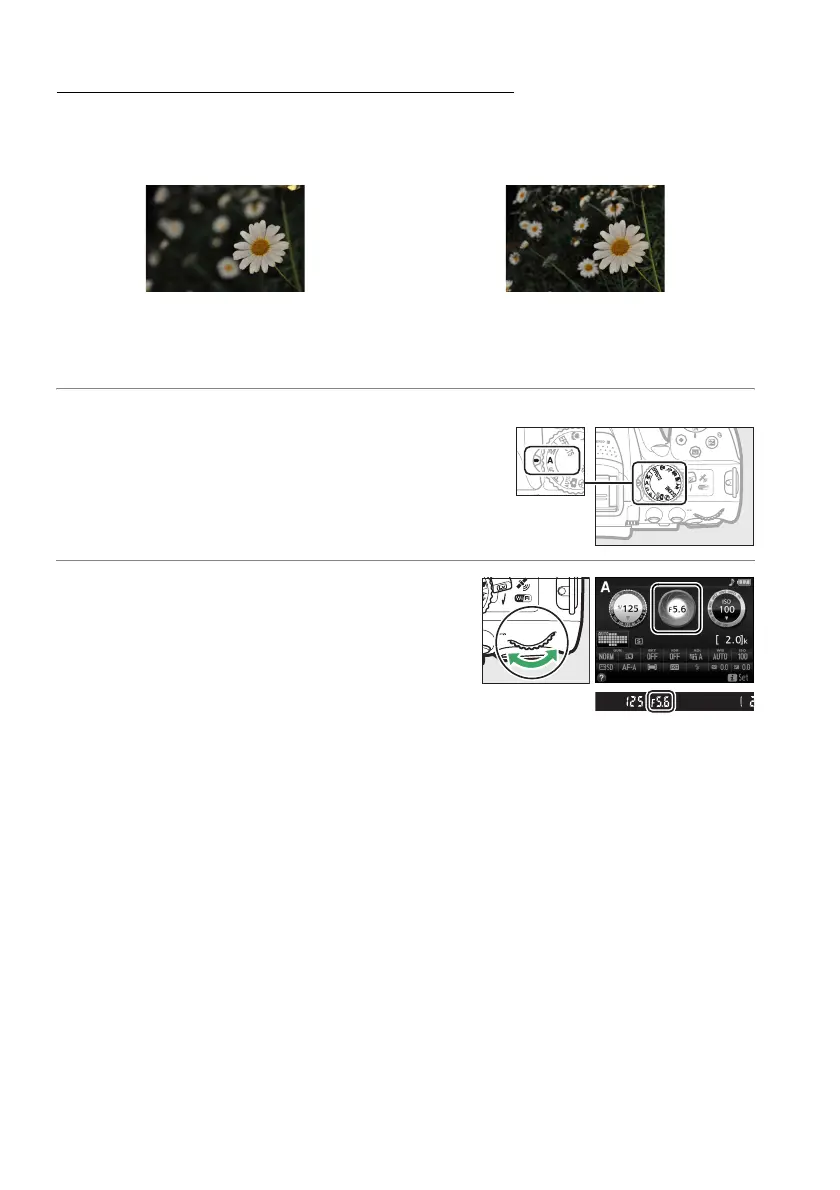
In this mode, you can adjust aperture to control depth of field (the distance in front
of and behind the main subject that appears to be in focus).
The camera
automatically adjusts shutter speed for optimal exposure.
To choose an aperture:
1 Rotate the mode dial to A.
2 Choose an aperture.
Rotate the command dial left for larger
apertures (lower f-numbers), right for smaller
apertures (higher f-numbers).
Large apertures (low f-numbers, e.g. f/5.6) blur
details in front of and behind the main subject.
Small apertures (high f-numbers, e.g. f/22) bring
the foreground and background into focus.
Mode dial
Command dial



 To Next Page
 Loading...













