145Playback and Deletion
Rating Multiple Pictures
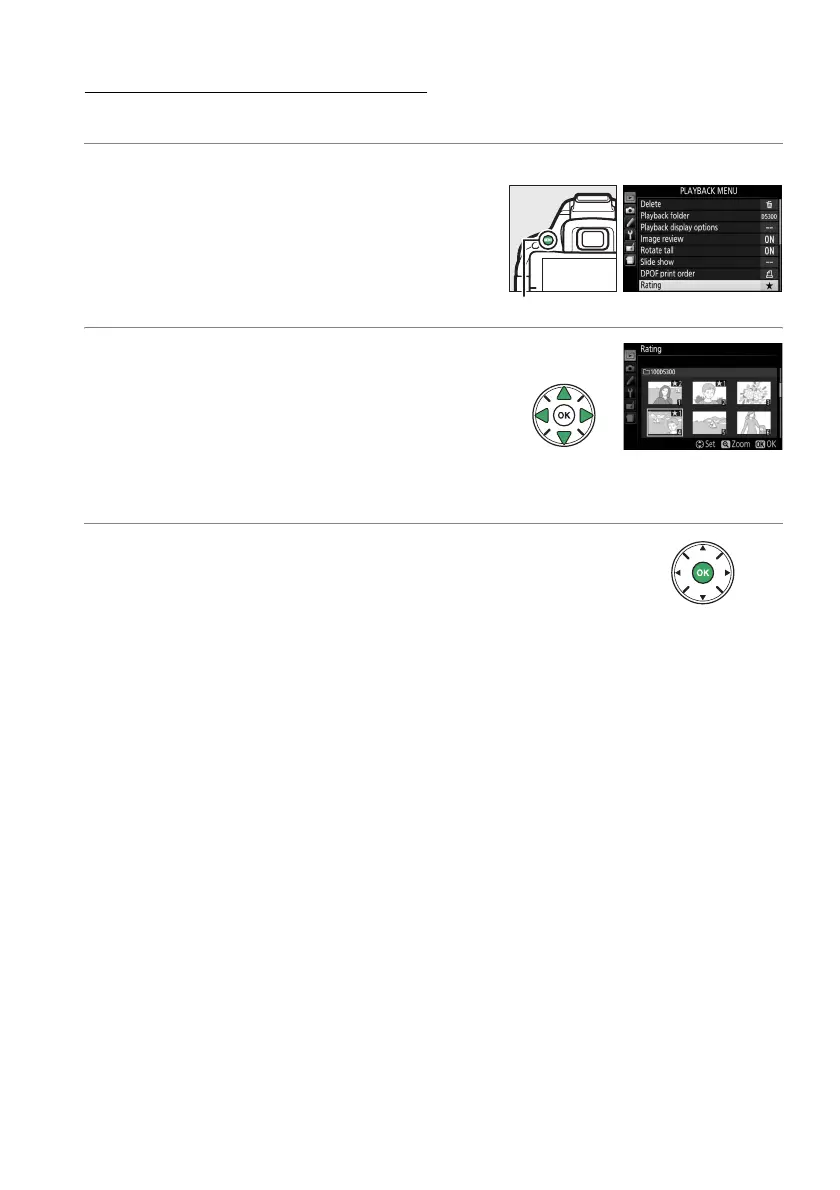
Use the Rating option in the playback menu to rate multiple pictures.
1 Select Rating.
Press the G button to display the camera
menus, then highlight Rating in the
playback menu and press 2.
2 Rate pictures.
Press 4 or 2 to highlight pictures (to view
the currently highlighted picture full frame,
press and hold the X button) and press 1 or
3 to choose a rating of from zero to five
stars, or select ) to mark the picture as a
candidate for later deletion.
3 Press J.
Press J to complete the operation.
G button



 To Next Page
 Loading...













