196 B The Setup Menu: Camera Setup
Memory cards must be formatted before first use or after being formatted in other
devices.
Format the card as described below.
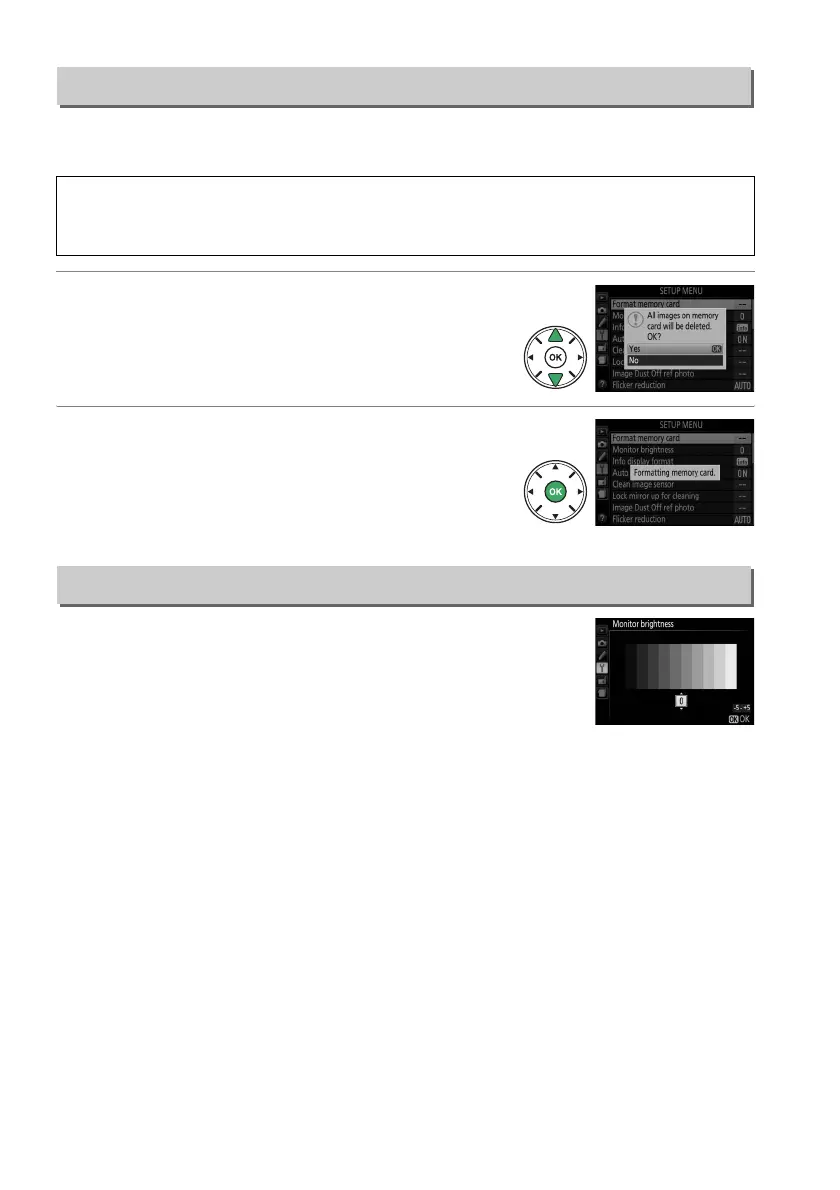
1 Highlight Yes.
To exit without formatting the memory card,
highlight No and press J.
2 Press J.
A message will be displayed while the card is
formatted.
Do not remove the memory card or
remove or disconnect the power source until
formatting is complete.
Press 1 or 3 to choose monitor brightness.
Choose higher
values for increased brightness, lower values for reduced
brightness.
Format Memory Card
G button ➜ B setup menu
D Formatting Memory Cards
Formatting memory cards permanently deletes any data they may contain.
Be sure to copy any
photographs and other data you wish to keep to a computer before proceeding (0 153).
Monitor Brightness
G button ➜ B setup menu



 To Next Page
 Loading...













