70 More on Photography
Remote Control Photography
Using an Optional ML-L3 Remote Control
The optional ML-L3 remote control (0 237) can be used to reduce camera shake or
for self-portraits. Before proceeding, mount the camera on a tripod or place it on a
stable, level surface.
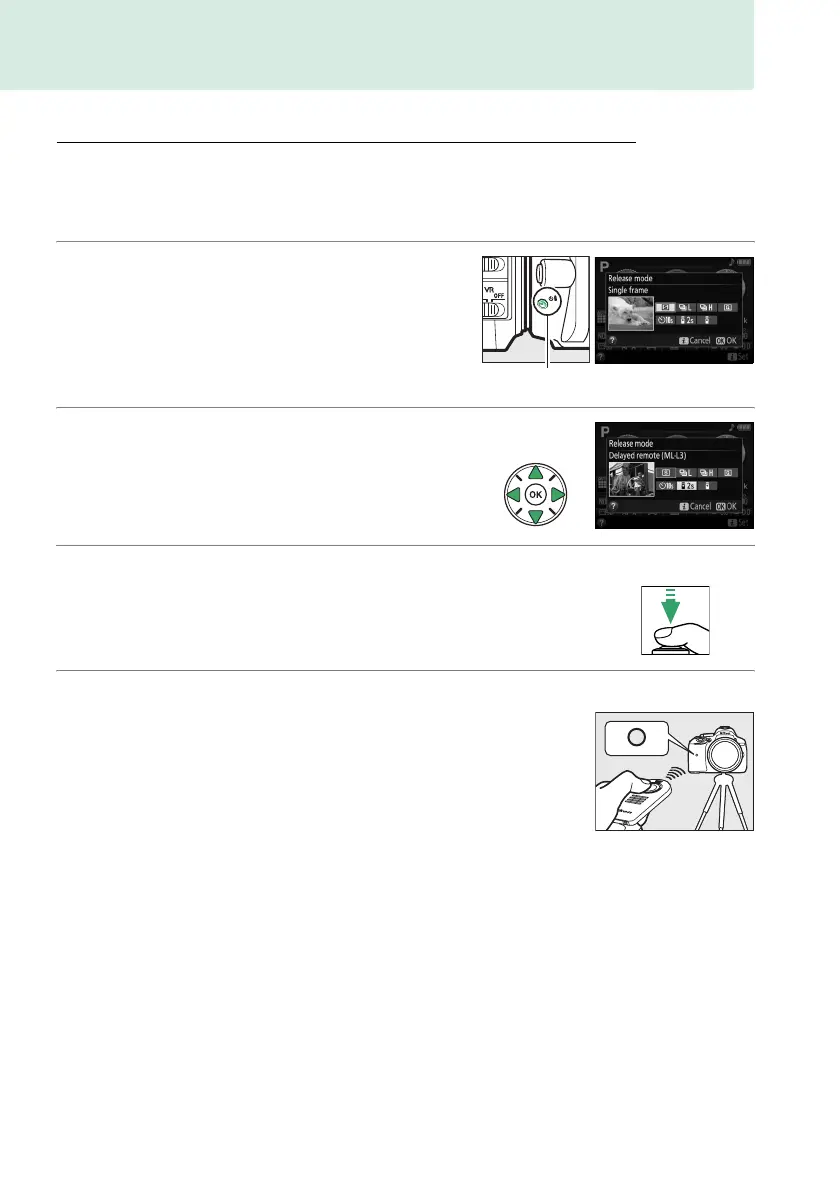
1 Press the s (E/#) button.
2 Select a remote control mode.
Highlight " (Delayed remote (ML-L3)) or
# (Quick-response remote (ML-L3)) and
press J.
3 Frame the photograph.
Check focus by pressing the shutter-release
button halfway.
4 Take the photograph.
From a distance of 5 m (16 ft) or less, aim the
transmitter on the ML-L3 at either of the
infrared receivers on the camera (0 1, 2) and
press the ML-L3 shutter-release button.
In
delayed remote mode, the self-timer lamp will
light for about two seconds before the
shutter is released.
In quick-response remote
mode, the self-timer lamp will flash after the
shutter has been released.
Note that the timer may not start or a photograph may not be taken if the camera is
unable to focus or in other situations in which the shutter can not be released.
s (E/#) button



 To Next Page
 Loading...













