42 Special Effects
❚❚ ' Toy Camera Effect
1 Select live view.
Rotate the live view switch.
The view through the lens will
be displayed in the monitor.
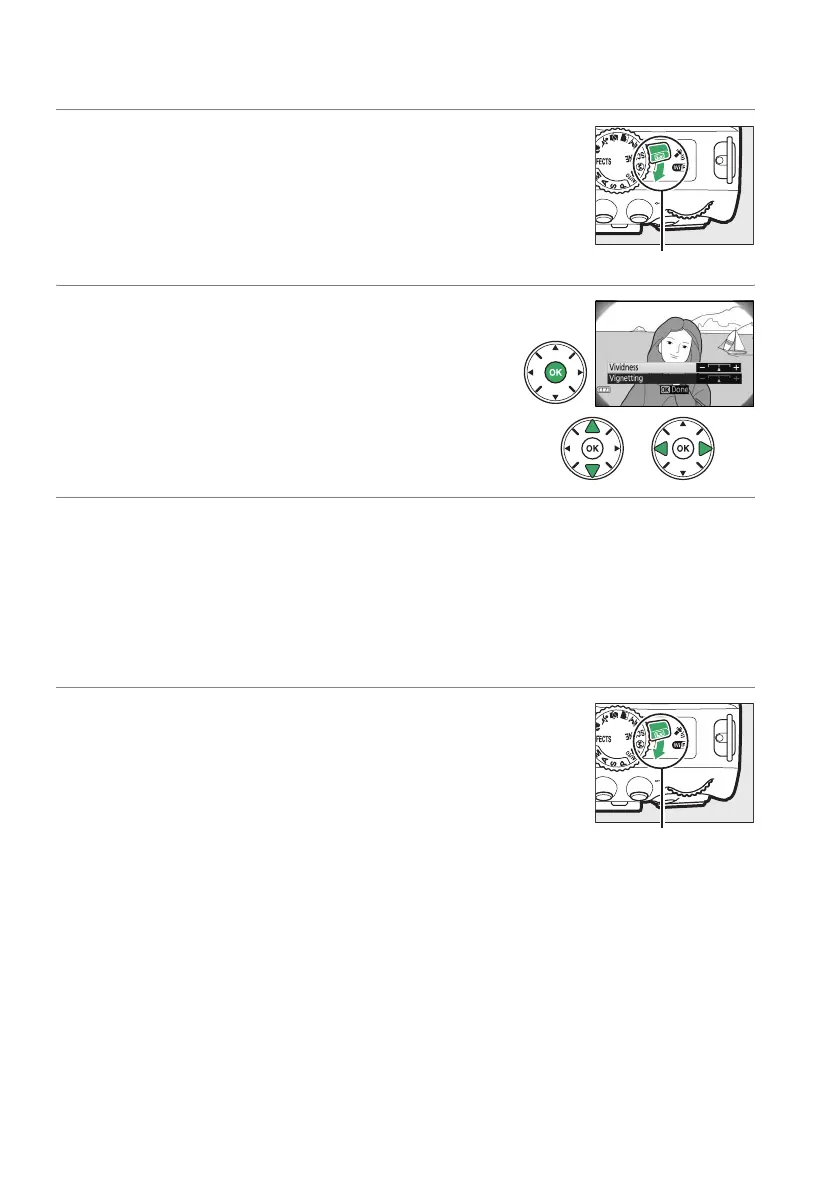
2 Adjust options.
Press J to display the options shown at right.
Press 1 or 3 to highlight Vividness or
Vignetting and press 4 or 2 to change.
Adjust
vividness to make colors more or less saturated,
vignetting to control the amount of vignetting.
3 Press J.
Press J to exit when settings are complete.
To exit live view, rotate the live
view switch.
The selected settings will continue in effect and will apply to
photographs taken using the viewfinder.
❚❚ ( Miniature Effect
1 Select live view.
Rotate the live view switch.
The view through the lens will
be displayed in the monitor.
Live view switch
Live view switch



 To Next Page
 Loading...













