77More on Photography
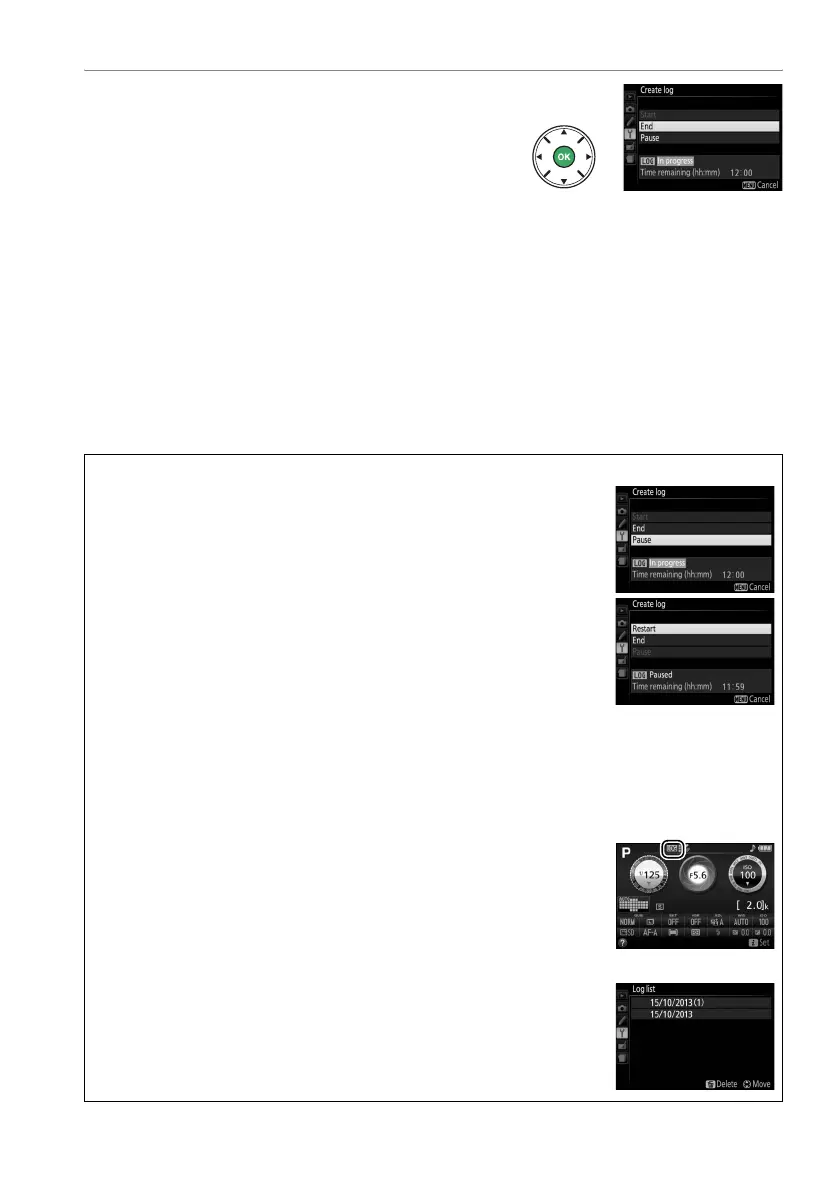
5 End the log.
To end the log and save it to the memory
card before the selected log length is
reached, select Location data > Create log
> Log location data, then highlight End and
press J.
The memory card access lamp will
light while the camera saves the log to the
memory card; do not remove the battery or
memory card while the access lamp is lit.
A Pausing Logs
To pause the log, select Pause in the Create log display. The log can
be resumed by selecting Restart.
A Logging Location Data
When tracking is active, the camera continues to monitor satellite signals even when off.
To
prevent logs being interrupted, be sure the camera battery is fully charged before enabling
the tracking function.
A The Track Log Display
While tracking is active, the indicator at right appears in the
information display.
A Viewing Log Dates
Selecting Log list for Location data displays a list of the dates on
which logs were recorded.
In the case of dates with multiple logs, the
individual logs are identified by number.



 To Next Page
 Loading...













