101More on Photography
The camera is equipped to take photographs automatically at
preset intervals.
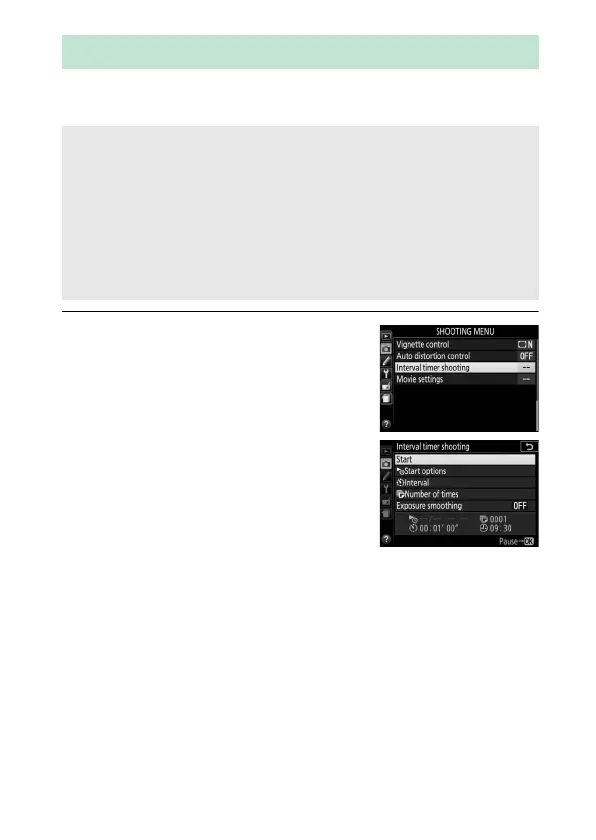
1 Select Interval timer shooting.
Highlight Interval timer shooting in
the shooting menu and press 2 to
display interval timer settings.
Interval Timer Photography
D Before Shooting
Before beginning interval timer photography, take a test shot at
current settings and view the results in the monitor.
To ensure that
shooting starts at the desired time, check that the camera clock is set
correctly (0 275).
Use of a tripod is recommended.
Mount the camera on a tripod before
shooting begins.
To ensure that shooting is not interrupted, be sure
the battery is fully charged.



 To Next Page
 Loading...












