258 A Custom Settings: Fine-Tuning Camera Settings
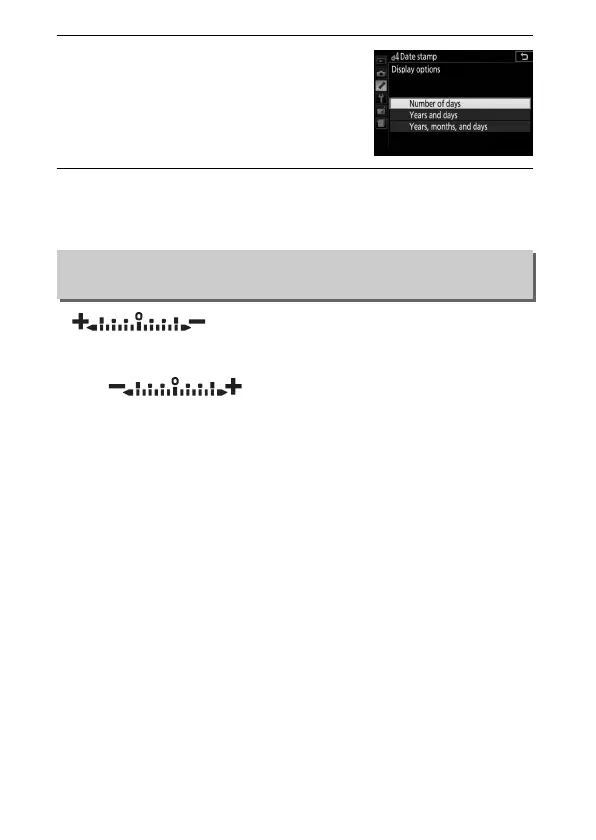
4 Choose a date counter format.
Highlight Display options and press
2, then highlight a date format and
press J.
5 Exit the date counter menu.
Press J to exit the date counter menu.
If (V) is selected, the exposure indicators in
the viewfinder and information display are displayed with
positive values on the left and negative values on the right.
Select (W ) to display negative values on
the left and positive values on the right.
d5: Reverse Indicators
G button ➜ A Custom Settings menu



 To Next Page
 Loading...












