75More on Photography
The self-timer can be used for self-portraits or group shots that
include the photographer. Before proceeding, mount the
camera on a tripod or place it on a stable, level surface.
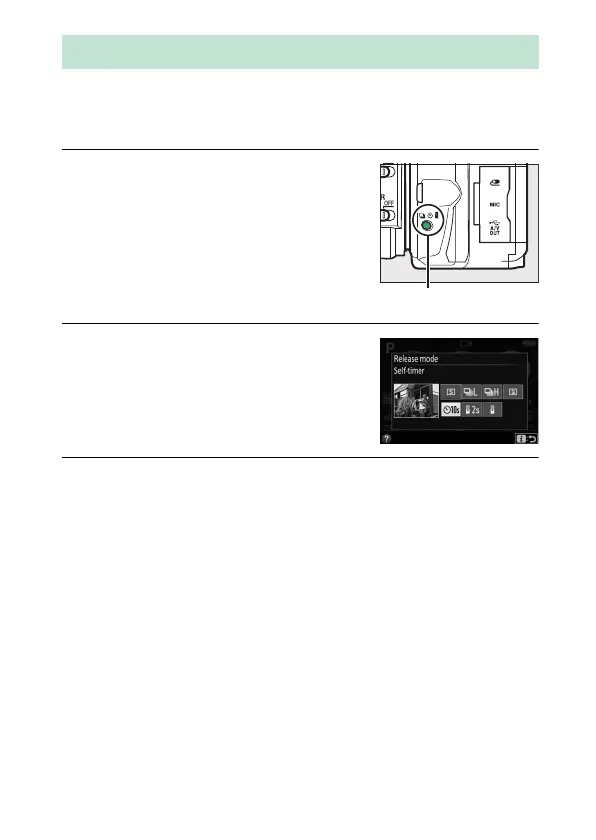
1 Press the I (E/#) button.
2 Select E (Self-timer) mode.
Highlight E (Self-timer) and press J.
3 Frame the photograph.
Self-Timer Mode



 To Next Page
 Loading...












