17Introduction
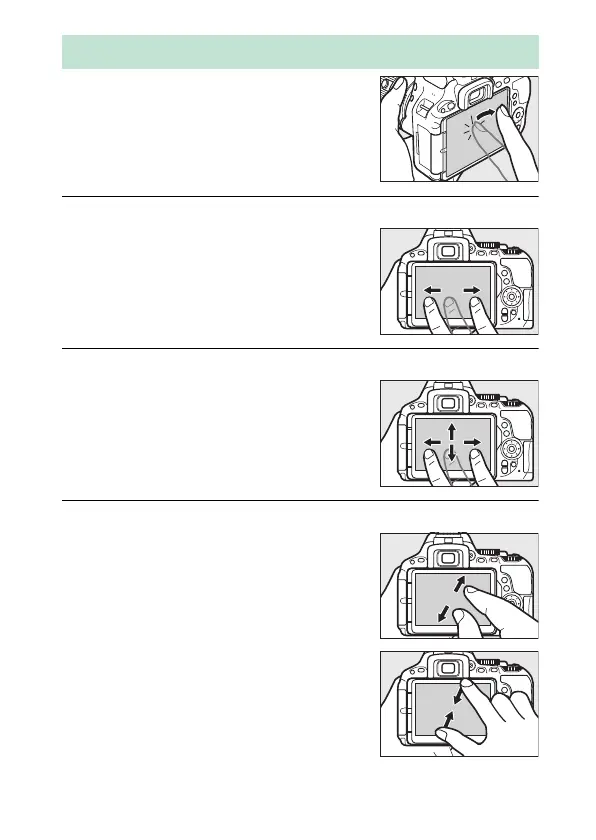
The touch-sensitive monitor supports
the following operations:
Flick
Slide
Stretch/Pinch
Using the Touch Screen
Flick a finger a short distance across the
monitor.
Slide a finger over the monitor.
Place two fingers on the monitor and
move them apart or pinch them together.



 To Next Page
 Loading...












