177Recording and Viewing Movies
Movie Settings
Use the Movie settings option in the shooting menu (0 236) to
adjust the following settings.
• Frame size/frame rate, Movie quality: Choose from the
following options.
The frame rate depends on the option
currently selected for Video mode in the setup menu
(0 281):
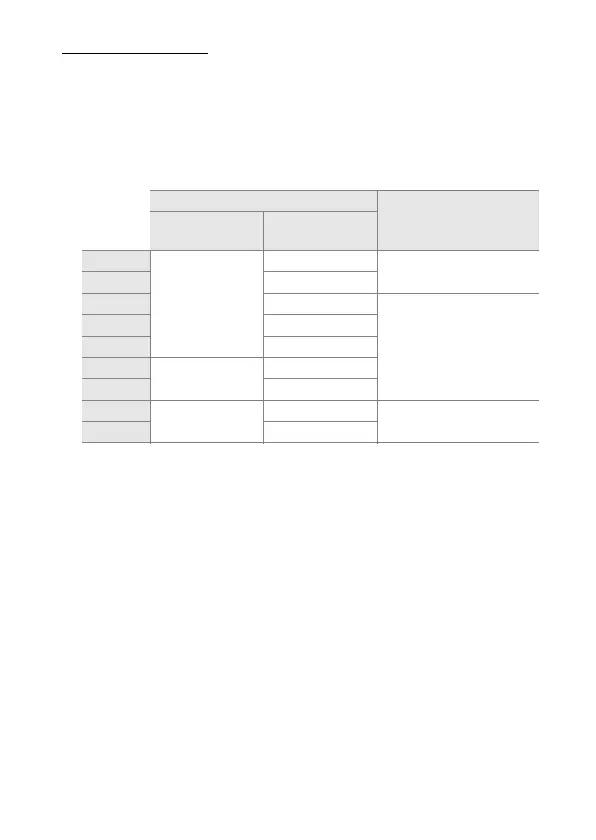
Frame size/frame rate Maximum length
(high movie quality ★/
normal movie quality)
4
Frame size (pixels) Frame rate
1
L/t
1920 × 1080
60p
2
10 min./
20 min.
M/u 50p
3
N/r 30p
2
20 min./
29 min. 59 s
O/s 25p
3
P/k 24p
Q/l
1280 × 720
60p
2
R/o 50p
3
S/n
640 × 424
30p
2
29 min. 59 s/
29 min. 59 s
T/p 25p
3
1Listed value.
Actual frame rates for 60p, 50p, 30p, 25p, and 24p are 59.94, 50, 29.97, 25,
and 23.976 fps respectively.
2 Available when NTSC is selected for Video mode (0 281).
3 Available when PAL is selected for Video mode.
4 Movies recorded in miniature effect mode are up to three minutes long when played back.



 To Next Page
 Loading...












