297N The Retouch Menu: Creating Retouched Copies
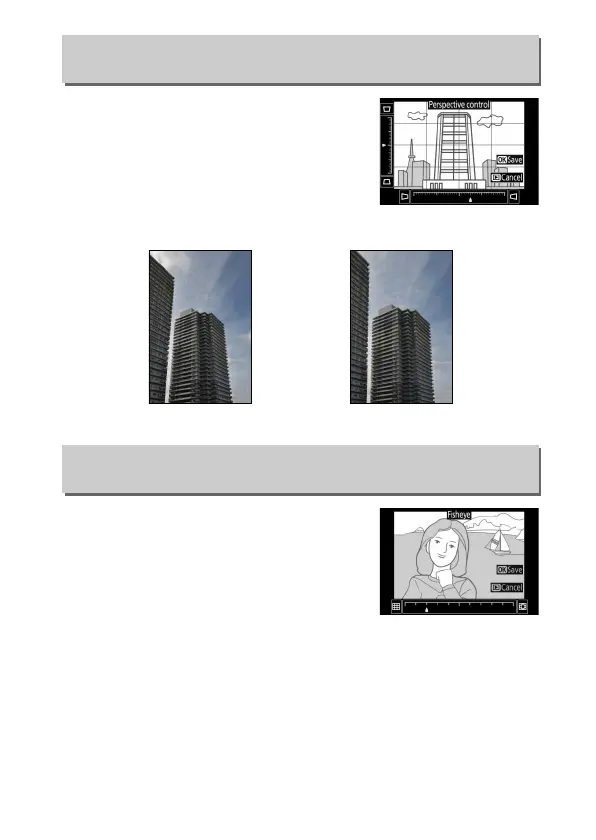
Create copies that reduce the effects of
perspective taken from the base of a tall
object.
Use the multi selector to adjust
perspective (note that greater amounts
of perspective control result in more of
the edges being cropped out).
Press J
to save the retouched copy.
Create copies that appear to have been
taken with a fisheye lens.
Press 2 to
increase the effect (this also increases the
amount that will be cropped out at the
edges of the image), 4 to reduce it.
Press
J to save the retouched copy.
Perspective Control
G button ➜ N retouch menu
Before After
Fisheye
G button ➜ N retouch menu



 To Next Page
 Loading...












