138 P, S, A, and M Modes
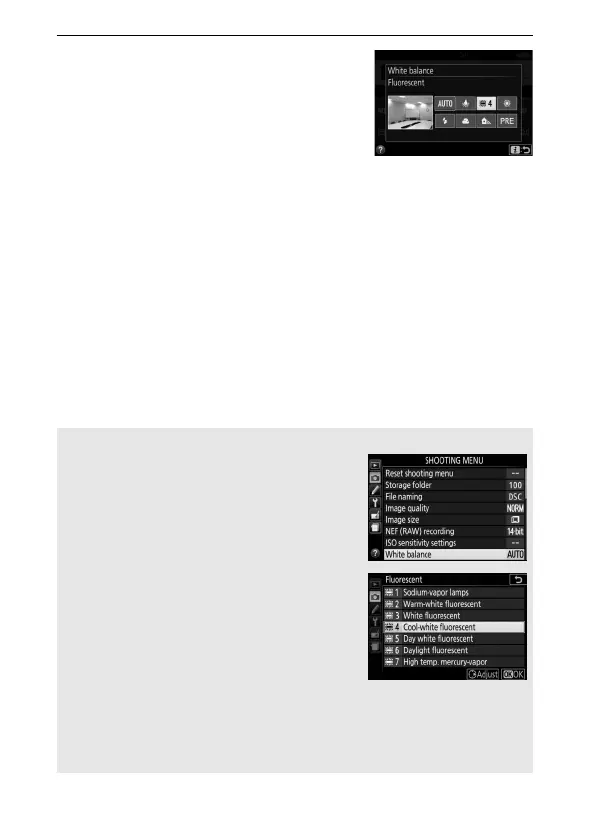
2 Choose a white balance option.
Highlight an option and press J.
A The Shooting Menu
White balance can be selected using the
White balance option in the shooting menu
(0 236), which also can be used to fine-tune
white balance (0 140) or measure a value
for preset white balance (0 142).
The I Fluorescent option in the White
balance menu can be used to select the
light source from the bulb types shown at
right.
A Touch Menu Navigation
Tap an option in the white balance menu once to highlight it and again
to select it and either display a menu of bulb types (I Fluorescent) or
return to the shooting menu.



 To Next Page
 Loading...












