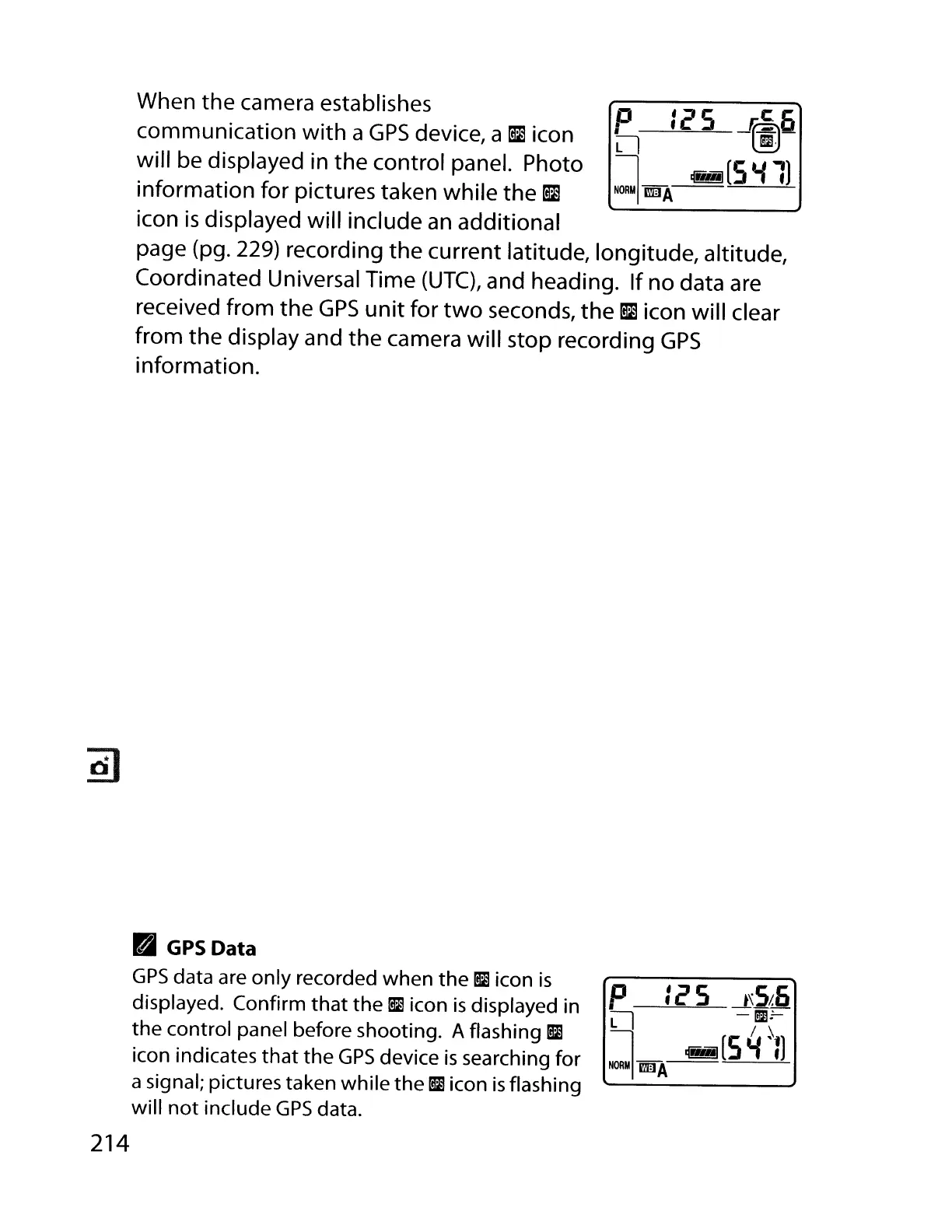
When the camera establishes
communication
with
a
GPS
device, a
~
icon
will be displayed in the control panel. Photo
information for pictures taken while the
~
icon
is
displayed will include
an
additional
page (pg. 229) recording the current latitude, longitude, altitude,
Coordinated Universal Time
(UTC),
and heading. If no data are
received from the
GPS
unit
for
two
seconds, the
~
icon will clear
from the display and
the
camera will stop recording
GPS
information.
,.
GPSData
GPS
data are only recorded when
the
[il
icon
is
displayed. Confirm
that
the
1m
icon
is
displayed in
the control panel before shooting. A flashing
1m
icon indicates
that
the
GPS
device
is
searching for
a signal; pictures taken while the
iii
icon
is
flashing
will
not
include
GPS
data.
214
p :c5
---lSS~
Ll
-;DO-
l_
~[S4~:)
NORM
I
rmJA



 To Next Page