II
Setup
Menu
Options
The
GPS
item in
the
setup menu contains
the
options listed below.
•
Auto
meter
off:
Choose
whether
or
not
the
exposure meters will
turn
off
automatically when a
GPS
unit
is
attached.
Option
Description
......................................
_._
_ :.•........•.....•.........................................
Exposure meters will
turn
off
automatically no operations
are performed
for
the
period specified in Custom Setting
c2
Enable
(Auto
meter-off
delay). This reduces the drain on the
(default) battery
but
may prevent
GPS
data from being recorded
if
the shutter-release
button
is
pressed all
the
way
down
without
pausing.
"'
-,
''''
-
..
~
...
,.,.,
....
_
....
"
Disable Exposure meters will
not
turn
off
while a
GPS
unit
is
connected;
GPS
data will always be recorded.
.•.... "
......•...................•.......
• Position: This item
is
only
available
if
a
GPS
device
is
connected,
when
it
displays
the
current latitude, longitude, altitude,
Coordinated Universal Time
(UTC),
and heading
as
reported by
the
GPS
device.
•
Heading
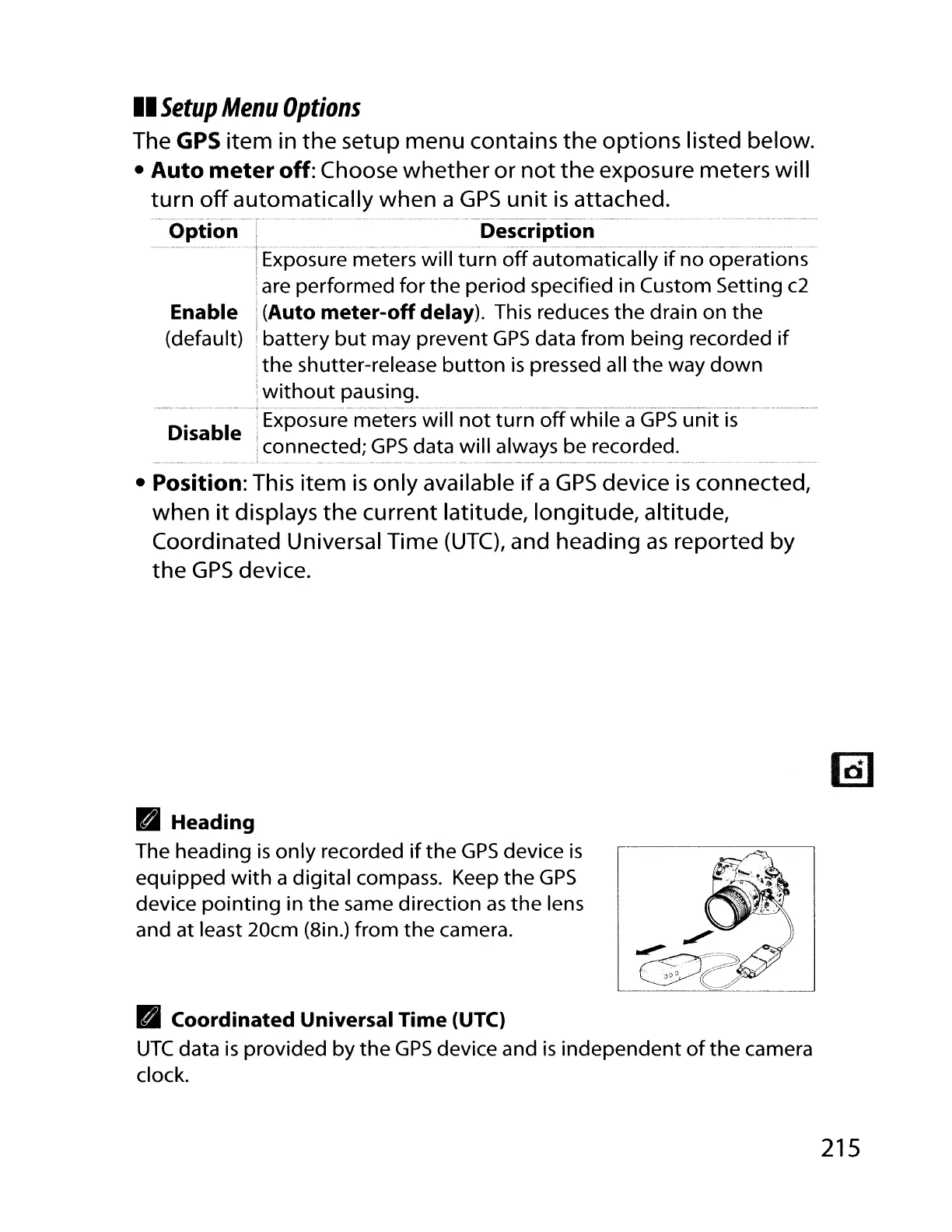
The heading
is
only
recorded
if
the
GPS
device
is
equipped
with
a digital compass. Keep
the
GPS
device
pointing
in
the
same direction
as
the
lens
and at least 20cm (Bin.) from
the
camera.
•
Coordinated
Universal
Time
(UTC)
UTC
data
is
provided by
the
GPS
device and
is
independent
of
the
camera
clock.
215



 To Next Page