f6: Assign Preview Button
..
H
.•
~W.-.-·~···'·~.
",_.¥·~.·
__
~
__
"~~,~_,=~_~,,,
__
~_.·_.~
__
~"H~n.~~,~
Ym.·
,,_~~
__
,_,,_~.-.~_'·'="~"·
__
·_d,~_,,·~~,_,~
...
o,aHW'~~"".w
m_'··"·""'~'
"",w~,'_~'_'~'"<.
__
·
.<
••.•••
,
'"
.".",~,.,_
,·,,~.·,
__
o
"".,
•.
_._
......
'-,.-,_
...
'Y
"',.',-'-'
'_',,~,'~'
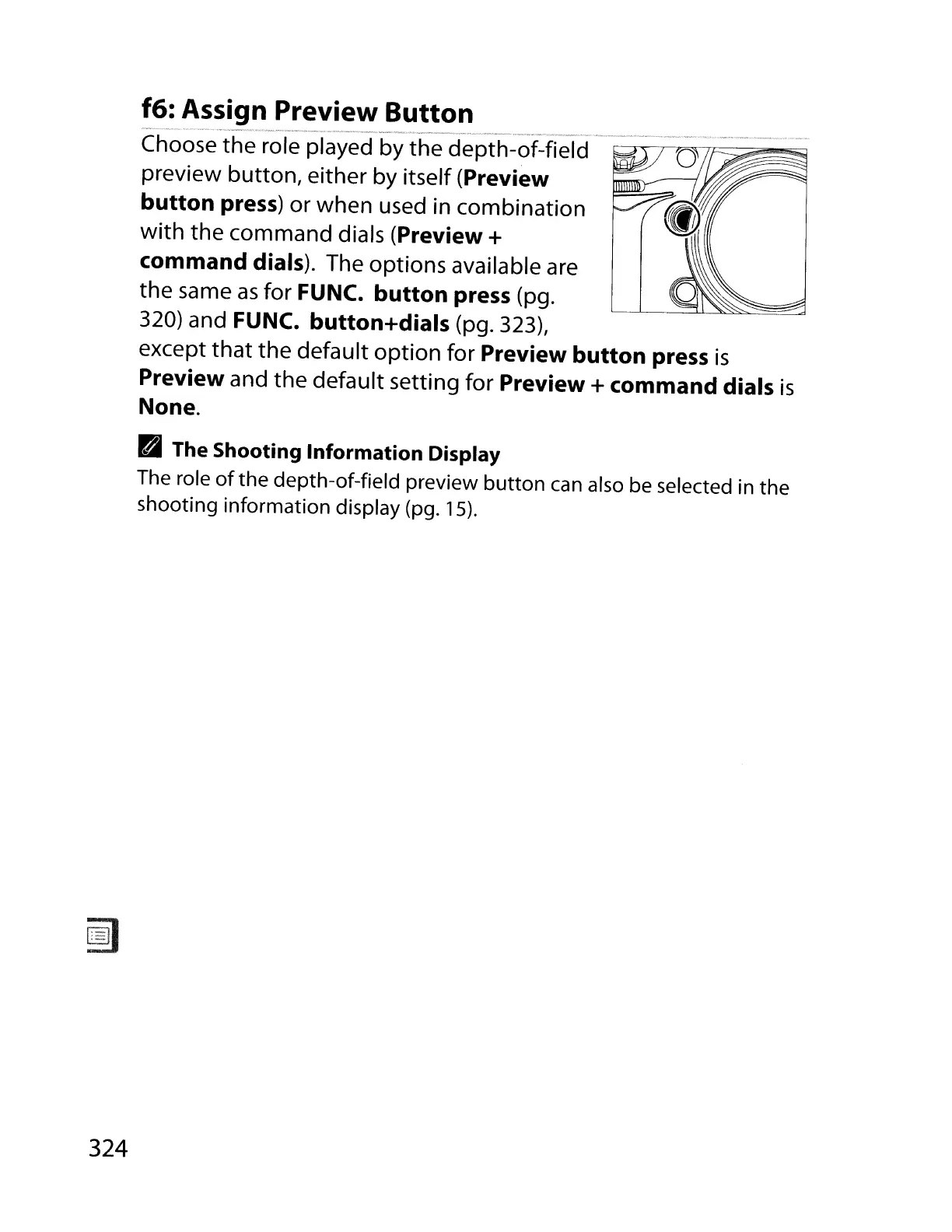
Choose the role played by the depth-of-field
preview button, either by itself
(Preview
button press)
or when used in combination
with
the command dials (Preview +
command dials).
The options available
are
the same
as
for
FUNC.
button press (pg.
320) and
FUNC.
button+dials (pg. 323),
except that the default option for
Preview button press
is
Preview and the default setting for Preview + command dials
is
None.
B1
The Shooting Information Display
The role
of
the depth-of-field preview button
can
also
be
selected in the
shooting information display (pg.
'5).
324



 To Next Page