~
Trim:
Image
Quality
and
Size
Copies created
from
NEF
(RAW),
NEF
(RAW)
+
JPEG,
or
TIFF
(RGB)
photos
have an image
quality
(pg. 64)
of
JPEG
fine; cropped copies created
from
JPEG
photos
have
the
same image
quality
as
the
original. The size
of
the
copy
varies
with
crop size and aspect ratio.
Aspect
ratio
.
sizes
4:3
3:2
3,424 x 2,280, 2,560 x 1,704, 1,920 x 1,280, 1,280 x 856,
960
x 640,
640
x
424
·
..
···
..
·
_··
·····_
..
·•·· ·
..
······
..
·
..
·····
..
·
..
·i
..
" _ _ _ - _ _ _ _
_.
3,424 x 2,568, 2,560 x 1,920, 1,920 x 1,440, 1,280 x 960,
960
x 720, 640 x
480
5:4
3,216 x 2,568, 2,400 x 1,920, 1,808 x 1,440, 1,200 x 960,
896
x 720, 608 x
480
Monochrome
._.~n·~'~~~,~,,_,~_·~""'''~~~'_·m.w_~'.~,~,·.y._
..
~.-.-._~.~,~.y.w.-~,.,w.-~~,~~.-"=_NNm~'~"'=NN'=~.~"~'~
....
_.A~..........,.'.
__
v_'~~,·.
__
",
..
"'".".,,""_.
__
~
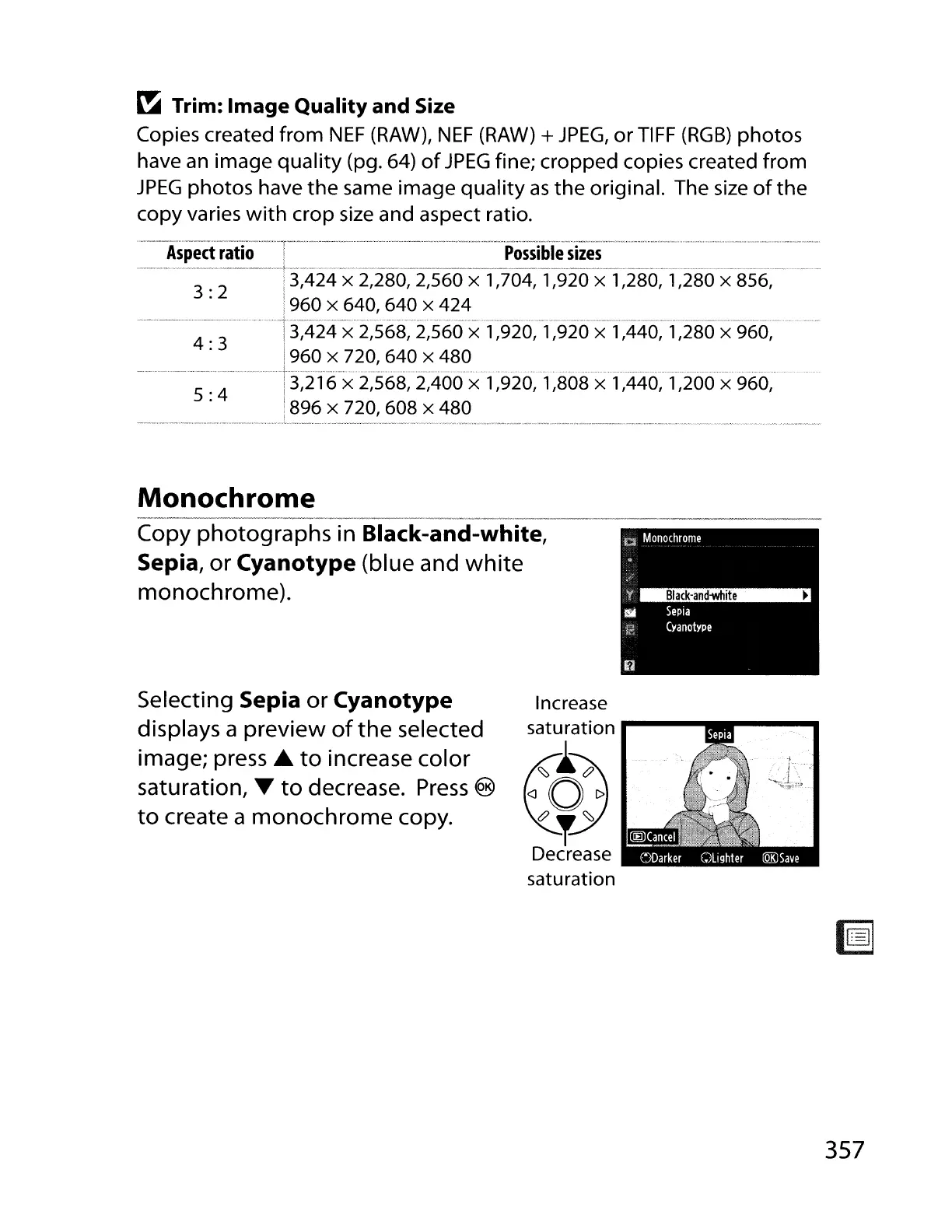
Copy photographs in Black-and-white,
Sepia,
or
Cyanotype
(blue and
white
monochrome).
Selecting
Sepia
or
Cyanotype
displays a preview
of
the
selected
image; press
...
to
increase color
saturation, •
to
decrease.
Press
®
to
create a
monochrome
copy.
Increase
saturation
....
----
..
--
..
~
i~
<J
0
l>
c?~~
Decrease
saturation
357



 To Next Page