80
Q
3
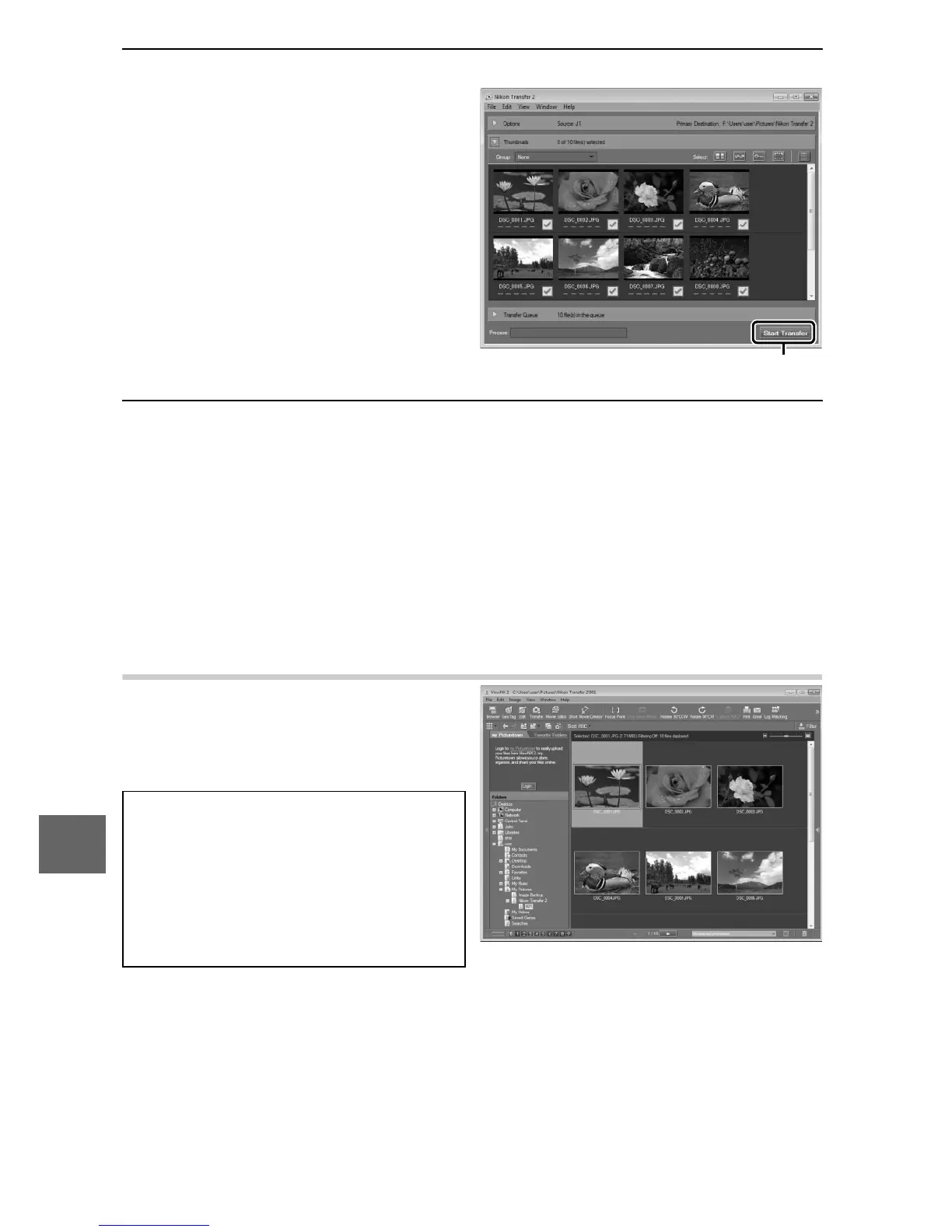
Click Start Transfer.
At default settings, all the
pictures on the memory
card will be copied to the
computer.
4
Terminate the connection.
If the camera is connected to the computer, turn the camera
off and disconnect the USB cable. If you are using a card
reader or card slot, choose the appropriate option in the com-
puter operating system to eject the removable disk corre-
sponding to the memory card and then remove the card from
the card reader or card slot.
Viewing Pictures
Pictures are displayed in
ViewNX 2 when transfer is com-
plete.
A
Starting ViewNX 2 Manually
• Windows: Double-click the
ViewNX 2 shortcut on the desk-
top.
• Mac OS: Click the ViewNX 2 icon in
the Dock.
Click Start Transfe











 To Next Page