121
i
Preset Manual
Preset manual is used to record and recall custom white balance
settings for shooting under mixed lighting or to compensate for
light sources with a strong color cast.
1
Light a reference object.
Place a neutral gray or white object under the lighting that
will be used in the final photograph. A standard gray panel
can be used for increased precision.
2
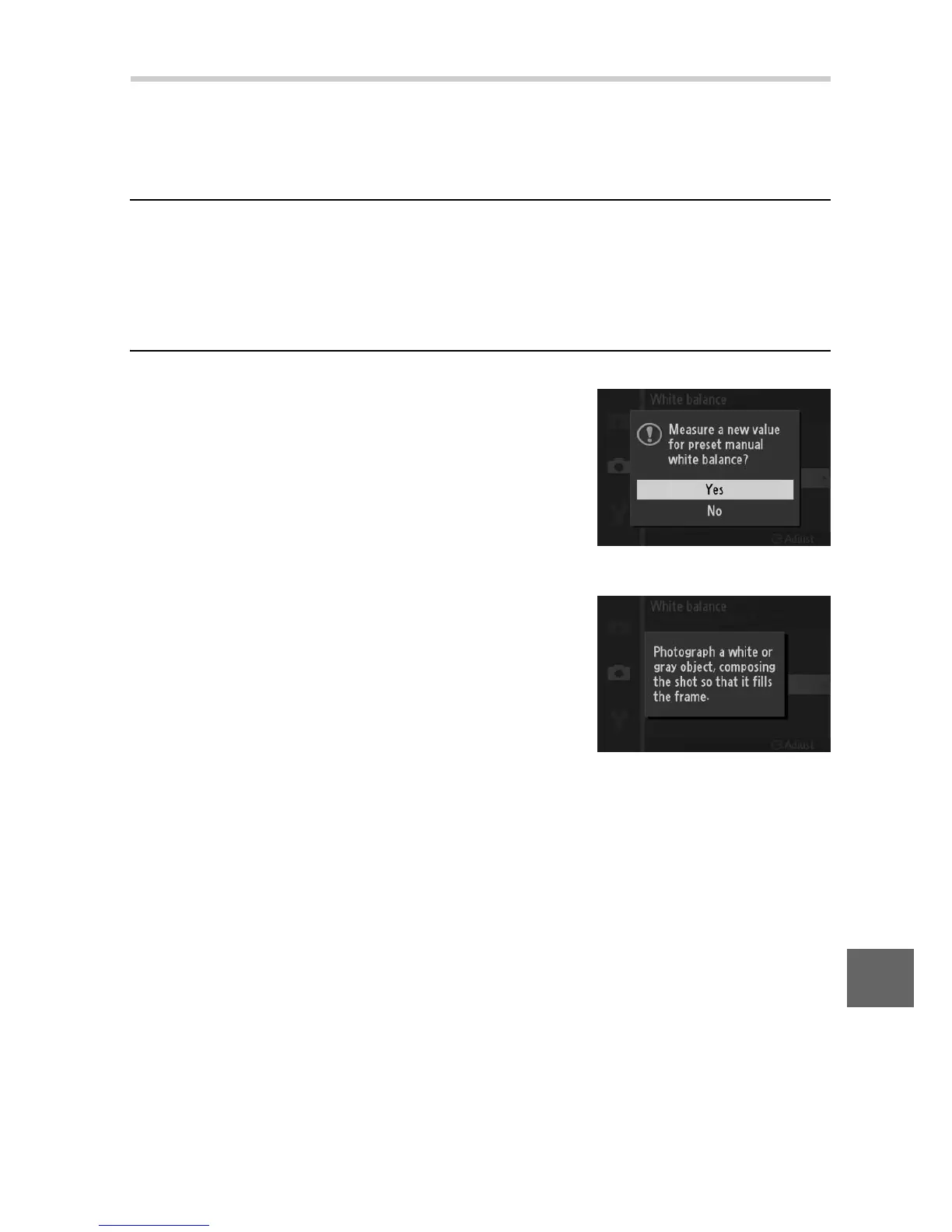
Select Preset manual.
Highlight Preset manual in the white
balance menu and press 2. The dialog
shown at right will be displayed; high-
light Yes and press J to overwrite the
existing value for preset manual white
balance.
The message shown at right will be
displayed.











 To Next Page