67
I
The following operations can be performed:
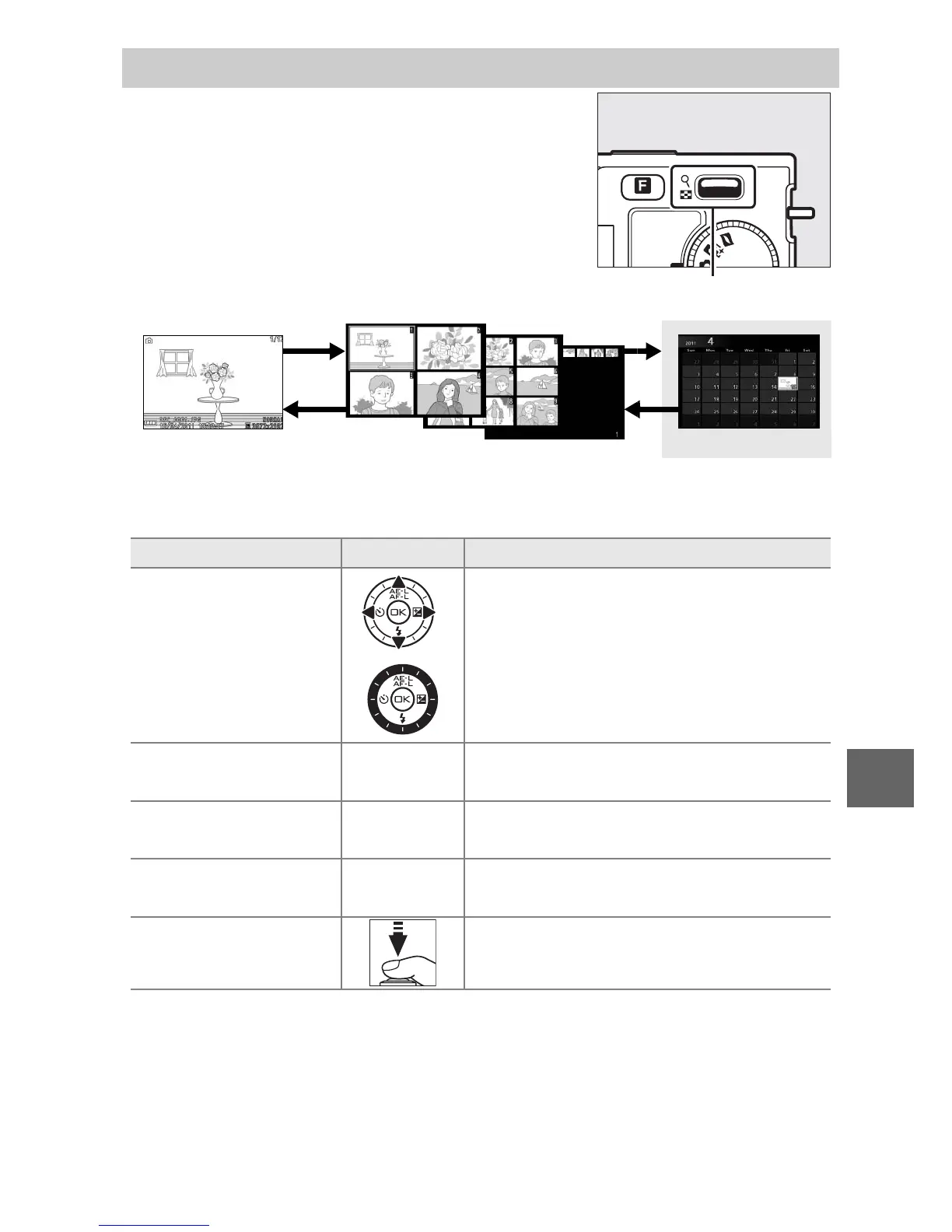
Calendar Playback
To view pictures taken on a selected date,
press W down when 72 pictures are dis-
played (0 66).
W control
Full-frame
playback
Calendar playback
Thumbnail playback
To Use Description
Highlight date
/
Use multi selector to highlight date.
View pictures taken
on highlighted date
J
Press J to view the first picture
taken on the highlighted date.
Delete pictures taken
on highlighted date
O
Press O to delete all pictures taken on
the highlighted date.
Exit to thumbnail
display
W
Press W up to return to 72-frame dis-
play.
Exit to shooting
mode
Press the shutter-release button half-
way.











 To Next Page