53
t
t
More on Photography
The self-timer and optional ML-L3 remote control (0 158) can be
used to reduce camera shake or for self-portraits. The following
options are available:
1
Mount the camera on a tripod.
Mount the camera on a tripod or place the camera on a sta-
ble, level surface.
2
Display self-timer options.
Self-Timer and Remote Control Modes
Off
Self-timer and remote control off. The shutter is
released when the camera shutter-release button is
pressed.
c 10 s The shutter is released 2, 5, or 10 seconds after the
shutter-release button is pressed all the way down.
Choose 2s to reduce camera shake, 5s or 10 s for
self-portraits.
b 5s
a 2s
"
Delayed
remote
The shutter is released 2 s after the shutter-release
button on the optional ML-L3 remote control is
pressed.
#
Quick-response
remote
The shutter is released when the shutter-release but-
ton on the optional ML-L3 remote control is pressed.
A
Before Using the Remote Control
Before using the remote control for the first time, remove the clear plas-
tic battery-insulator sheet.
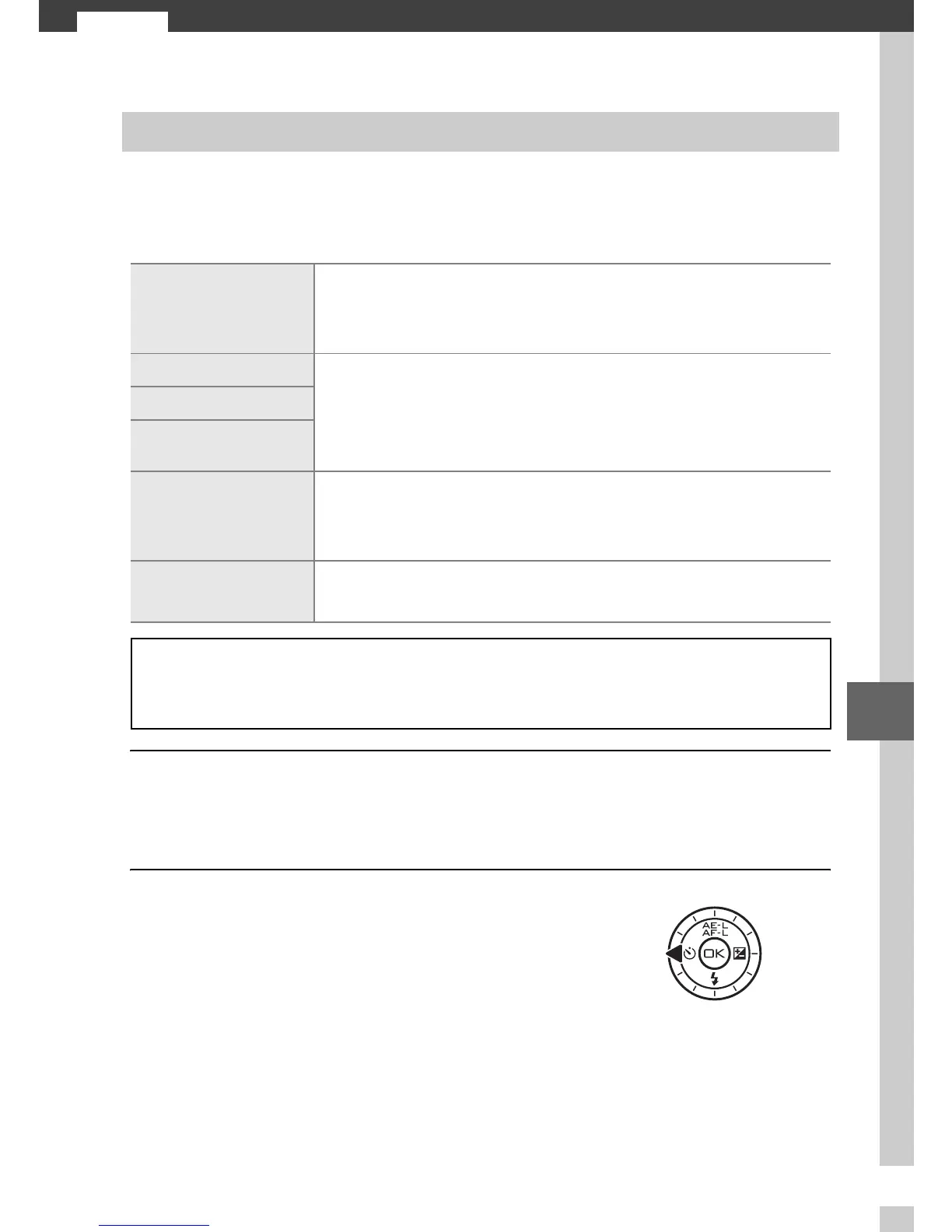
Press 4 (E) to display self-timer
options.











 To Next Page