43
y
Deleting Movies
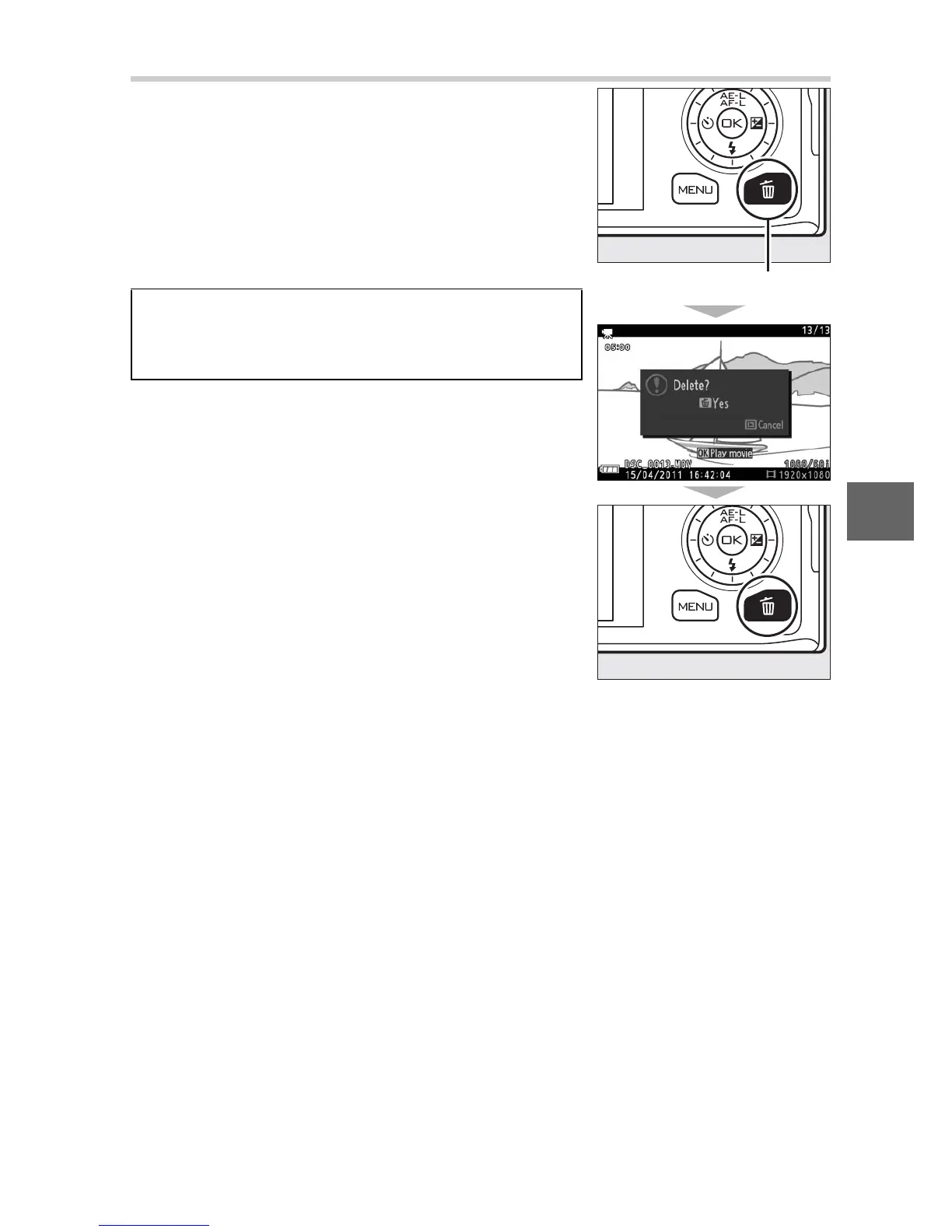
To delete the current movie, press O. A
confirmation dialog will be displayed;
press O again to delete the movie and
return to playback, or press K to exit
without deleting the movie. Note that
once deleted, movies can not be recovered.
A
See Also
See page 100 for information on trimming
unwanted footage from movies.
O button











 To Next Page