88
Q
Printing Multiple Pictures
1
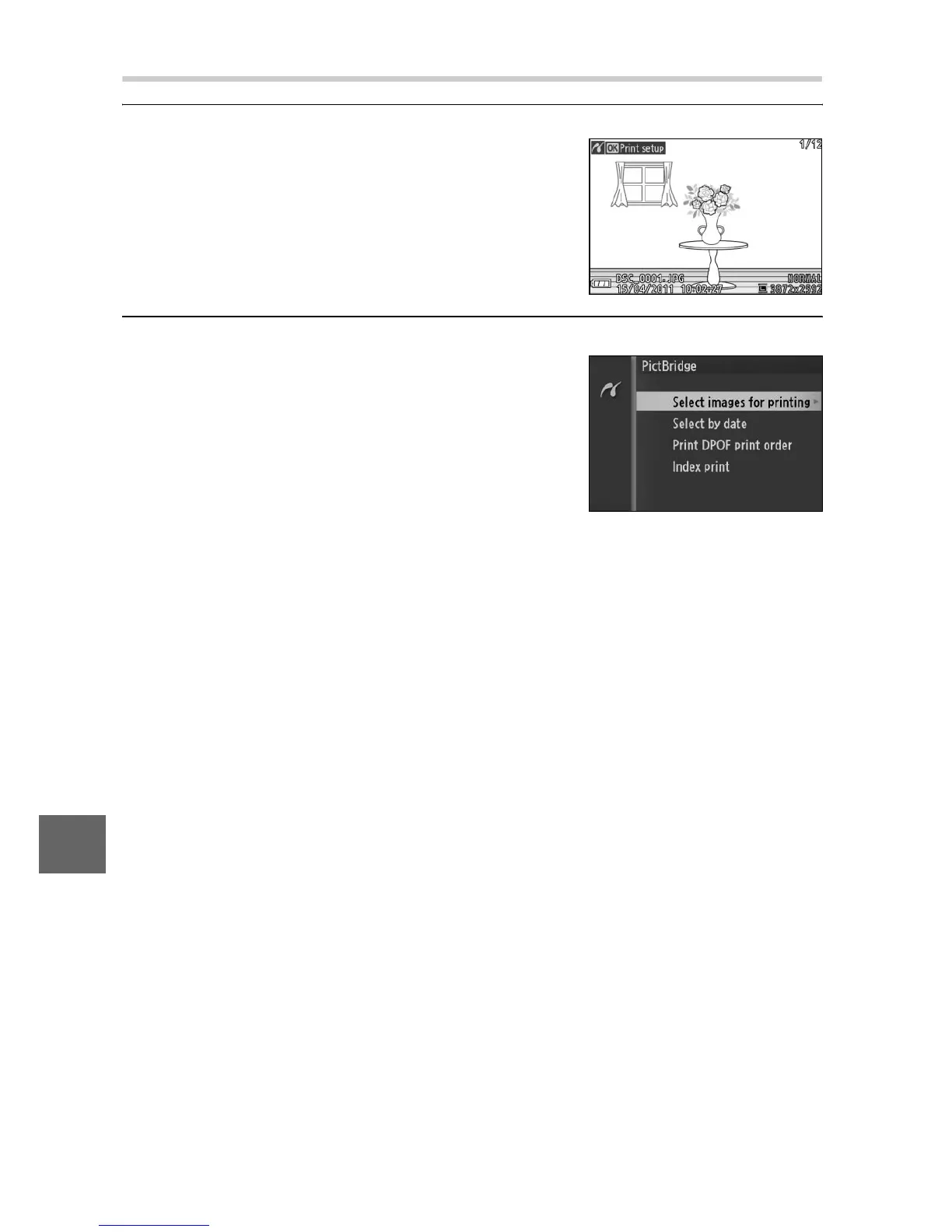
Display the PictBridge menu.
2
Choose an option.
Highlight one of the following options
and press 2.
• Select images for printing: Select pic-
tures for printing.
• Select by date: Print one copy of each
picture taken on selected dates.
• Print DPOF print order: Print an existing print order created with
the DPOF print order option in the playback menu (0 92).
The current print order will be displayed in Step 3.
• Index print: To create an index print of all JPEG pictures on the
memory card, proceed to Step 4. Note that if the memory
card contains more than 256 pictures, a warning will be dis-
played and only the first 256 images will be printed.
Press the G button in the Pict-
Bridge playback display (see Step 3 on
page 86).











 To Next Page