8
s
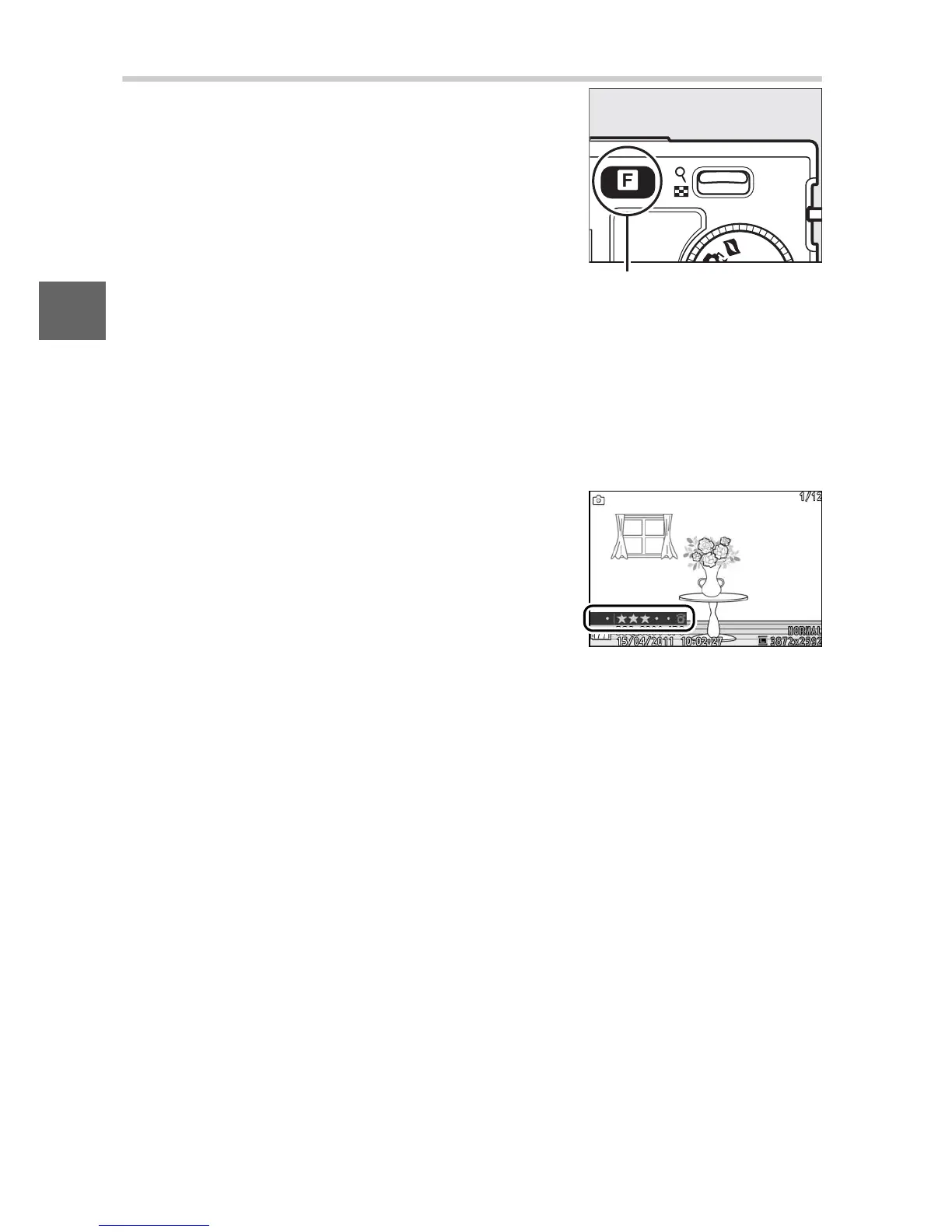
The & (Feature) Button
• Continuous (still-image mode; 0 26): Choose from Single frame,
Continuous, or Electronic (Hi).
• Movie mode (movie recording; 0 39): Choose from high-defini-
tion (HD movie) and slow-motion (Slow motion) recording.
• Theme (Motion Snapshot mode; 0 47): Choose from Beauty,
Waves, Relaxation, and Tenderness.
The & button gives access to the follow-
ing features in still-image, movie, Motion
Snapshot, and playback modes. Press &
and use the multi selector (or W control)
and J button to adjust options.
& button
• Rating (playback mode; 0 70): Rate pic-
tures.











 To Next Page