59
t
Choosing a Flash Mode
1
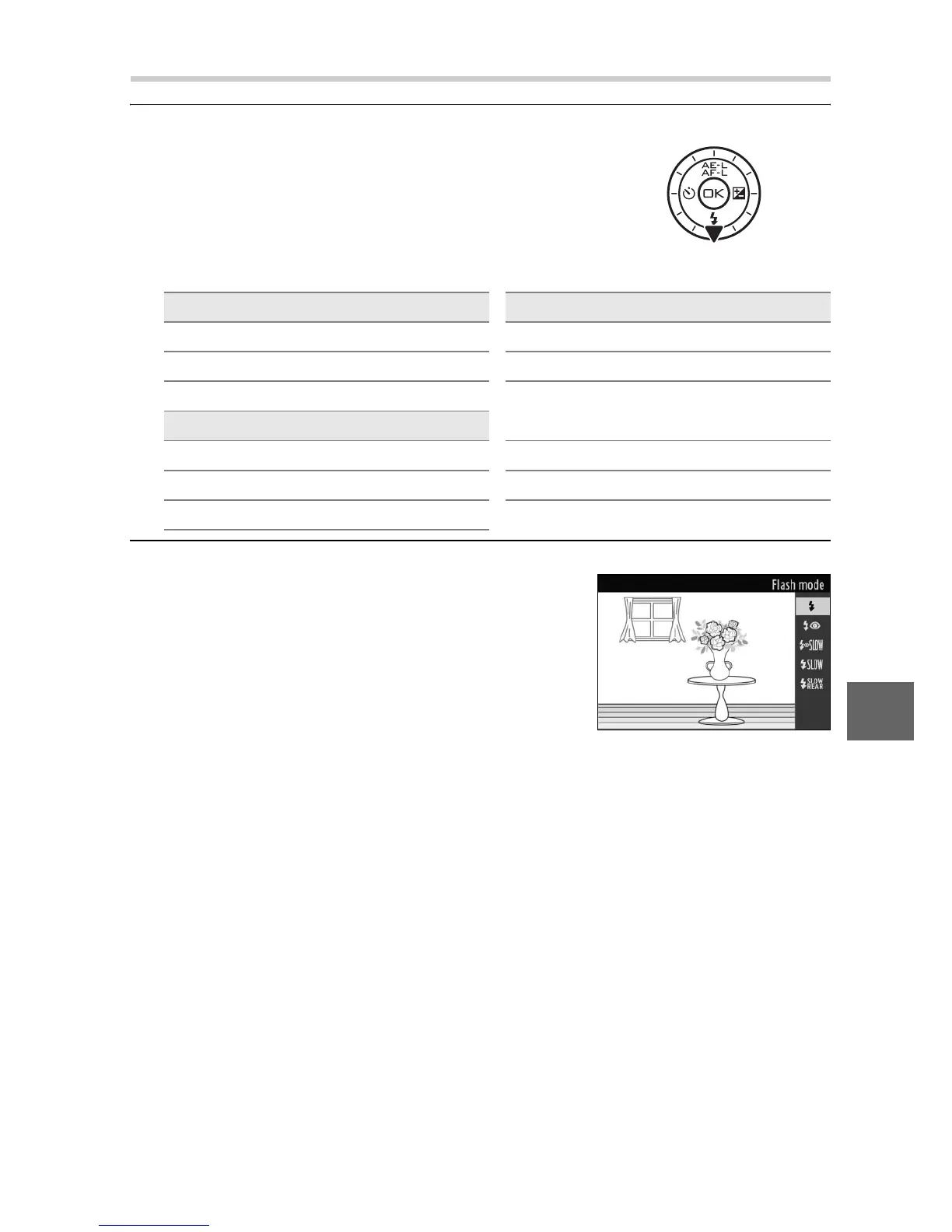
Display the flash mode options.
Press the multi selector down to dis-
play a list of flash modes. The modes
available depend on the exposure
mode (0 103).
2
Select a flash mode.
h P, A
N Fill flash N Fill flash
NY Red-eye reduction NY Red-eye reduction
NYp
Red-eye reduction +
slow sync
S, M
N Fill flash Np Slow sync
NY Red-eye reduction Nr Rear curtain + slow sync
Nq Rear-curtain sync
Use the multi selector to highlight a
flash mode (0 58) and press J to
select.











 To Next Page