109
i
S Shutter-Priority Auto
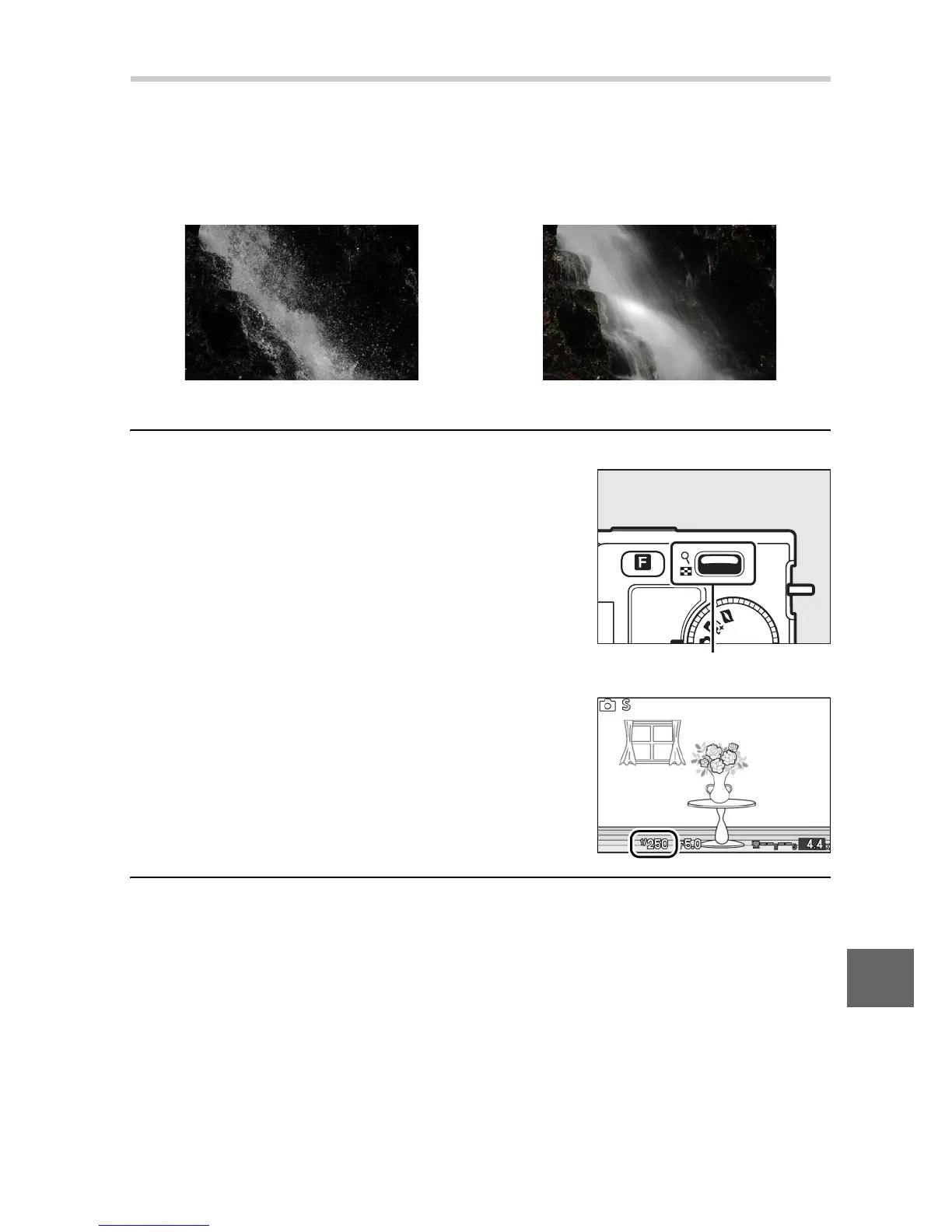
In shutter-priority auto, you choose the shutter speed while the
camera automatically selects the aperture that will produce the
optimal exposure. Use slow shutter speeds to suggest motion by
blurring moving subjects, fast shutter speeds to “freeze” motion.
1
Choose a shutter speed.
Press W up for faster shutter speeds,
down for slower shutter speeds.
Choose from values between 30 s and
1
/
16,000 s.
2
Frame a photograph, focus, and shoot.
Fast shutter speed (
1
/
1, 6 0 0 s) Slow shutter speed (1 s)
W control











 To Next Page