93
o
o
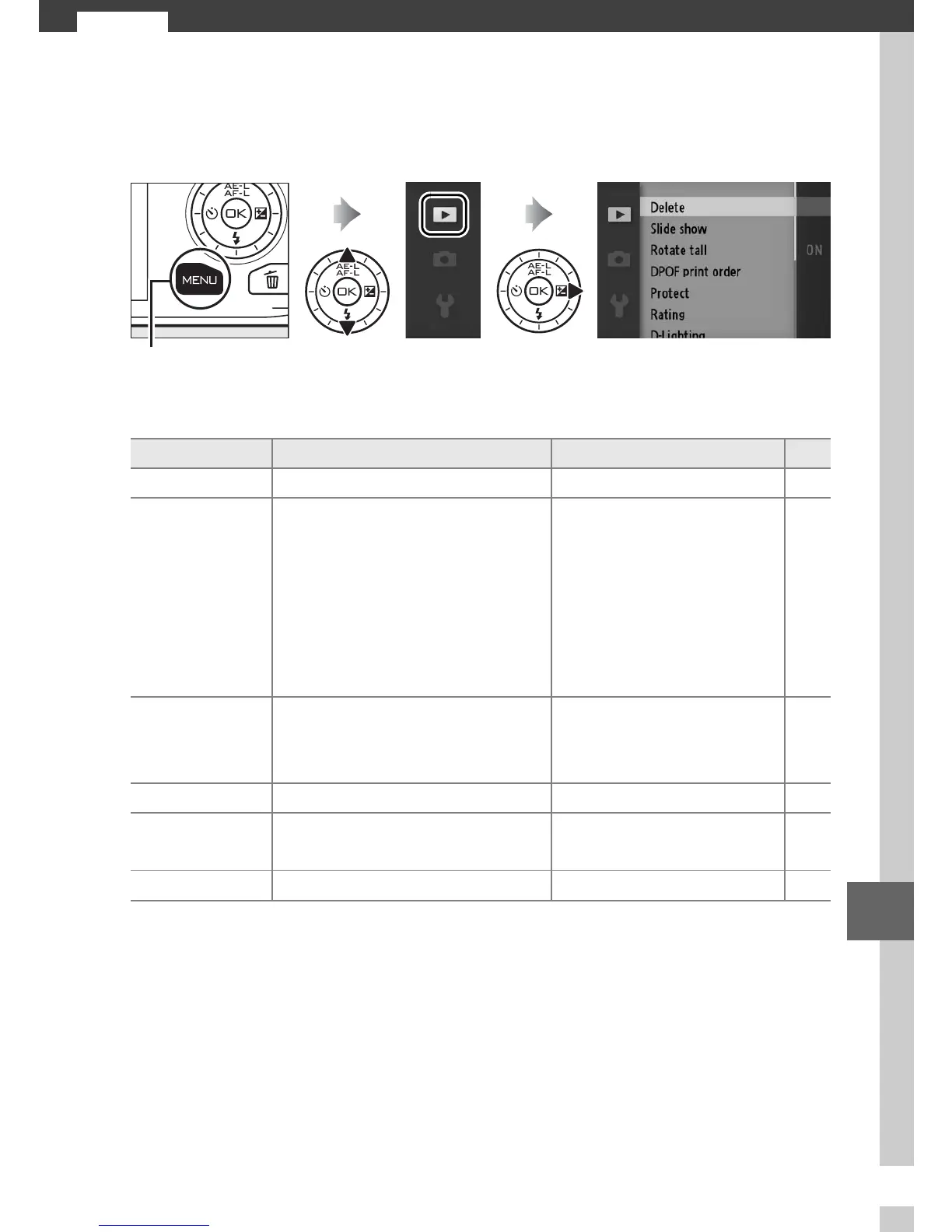
The Playback Menu
To display the playback menu, press G and select the play-
back menu tab (K).
The playback menu contains the following options:
G button
Option Description Default 0
Delete Delete multiple images. — 69
Slide show
View movies and photos in
a slide show.
Image type: All images
Selected scene: Auto
Frame interval: 5 s
Movie playback time:
Same as frame interval
Audio:
Background track 1
71
Rotate tall
Rotate “tall” (portrait-orien-
tation) pictures for display
during playback.
On 96
DPOF print order Create digital “print orders”. — 92
Protect
Protect pictures from acci-
dental deletion.
—96
Rating Rate pictures. — 96











 To Next Page