En
12
1
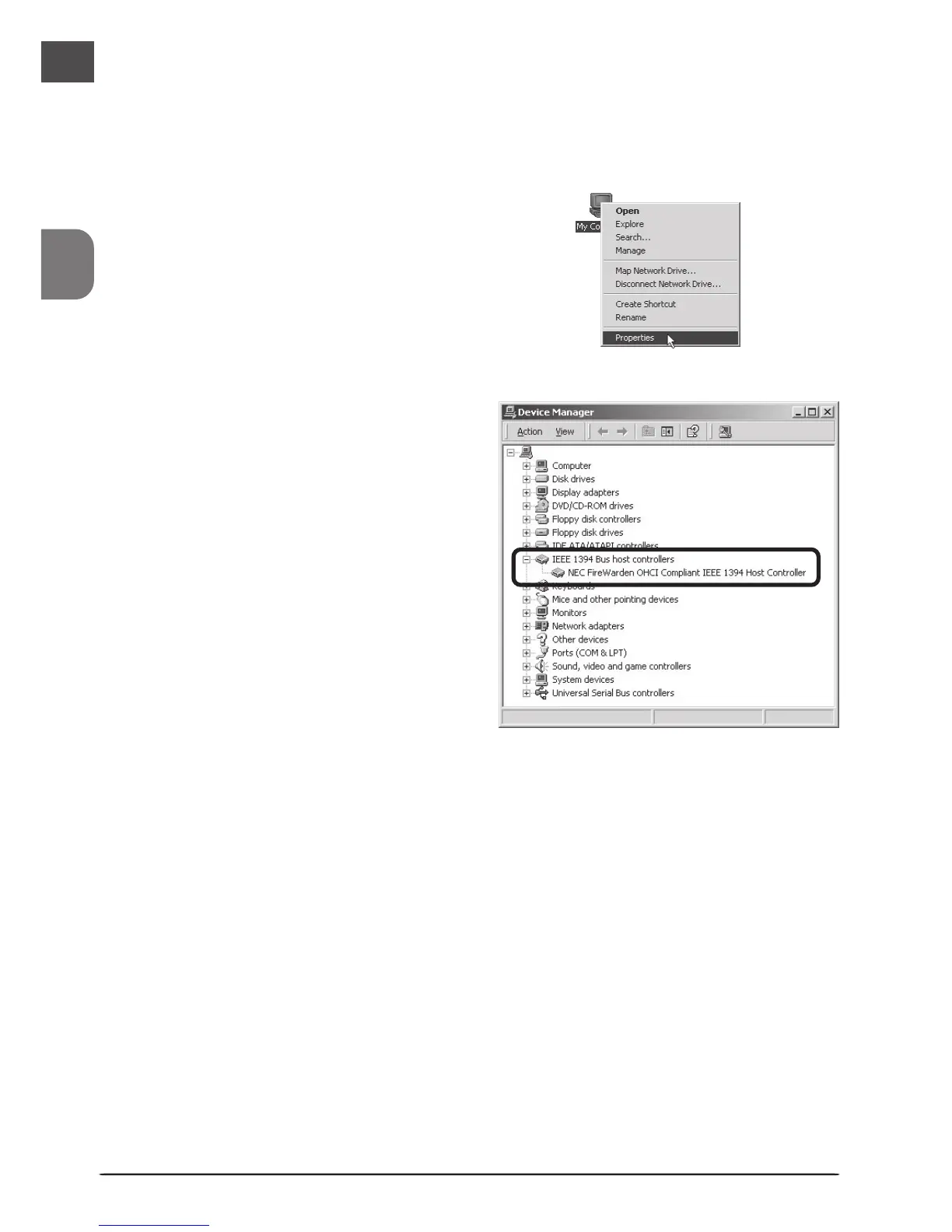
Click on the My Computer icon with
the right mouse button and select
Properties from the menu that ap-
pears.
2
In the System Properties window,
open the Hardware tab and click the
Device Manager button.
3
Check that “NEC Firewarden OHCI
Compliant IEEE 1394 Host Controller”
appears in the Device Manager under
“IEEE 1394 Bus host controllers.”
Windows 2000 Professional
The first time the computer is powered on with the board in place, Windows will automatically
install the necessary drivers. To confirm that the drivers have been installed and are functioning
normally:












 To Next Page